Activity
The Activity log is the account-wide audit trail. Every state-changing action — service deploys, env-var edits, member invitations, custom domain changes, token issuance — is captured the moment it happens, with the actor, action, target, IP address, and user agent on the row.
It's the same log compliance reviews ask for and the first thing to check when you're trying to figure out who changed what.
What gets logged
Every row has a structured action + module pair so the log is filterable and stable across UI changes. The action set is intentionally small; the module set covers every customer-owned resource type.
| Module | Typical actions |
|---|---|
| Account | Create, Update, AddUser, RemoveUser, UpdateUserRole |
| Project | Create, Update, Delete, AddMember, RemoveMember |
| Environment | Create, Update, Delete |
| Service | Create, Update, Delete, Deploy, Start, Stop, Rollback |
| Deployment | Create, Update, UpdateCustomDomain, AddDomain, RemoveDomain |
| API token | Create, Revoke |
| Datastore | Create, Update, Delete (Postgres / Valkey / RabbitMQ) |
| Alert rule | Create, Update, Delete, Triggered |
This is a representative list, not the complete enum. The full set of action and module values is what the API will return when you filter — use the API filter examples below to discover what's available in your account.
Each entry follows the {Action}{Module} title pattern (CreateService, DeleteEnvironment, RollbackService, UpdateDeploymentCustomDomain, etc.), making rows easy to grep, easy to filter, and stable across UI changes.
What's on every entry
| Field | What it is |
|---|---|
id | UUID of the activity row. |
created_at | RFC 3339 timestamp, UTC. |
account_id | The account the action targeted. |
actor | Structured {kind, id, display_name, email_masked}. kind is user, api_token, or system. Captured at write time so audit rows survive renames and token revocations. |
action | The operation — Create, Update, Delete, Deploy, Rollback, etc. |
module | The resource type — Service, Project, Environment, Account, Deployment, etc. |
title | The {Action}{Module} join — convenient for filters and search. |
remarks | Human-readable summary (e.g. Service example created). |
project_id | Set when the action is project-scoped, null when account-scoped. |
ip_address | Originating IP when the action came over a request. null for system events. |
user_agent | UA string for request-origin events. |
link | Optional URL pointing at the affected resource. |
actor, ip_address, and user_agent exist for forensic audit — the audit row is immutable, so you can trace an action back to its origin even after the user has changed their name or revoked the token they used.
How to read it
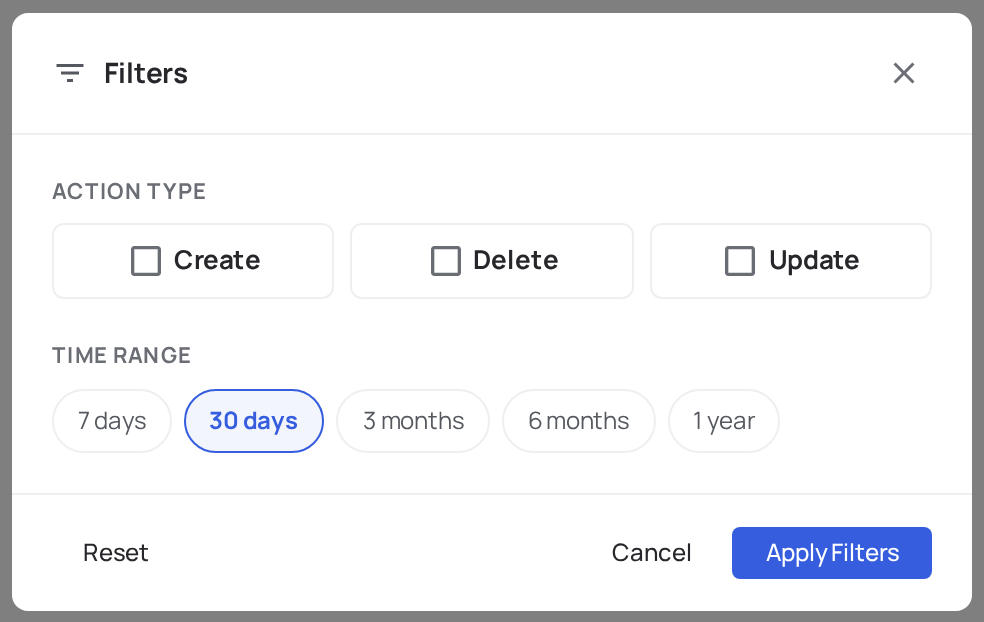
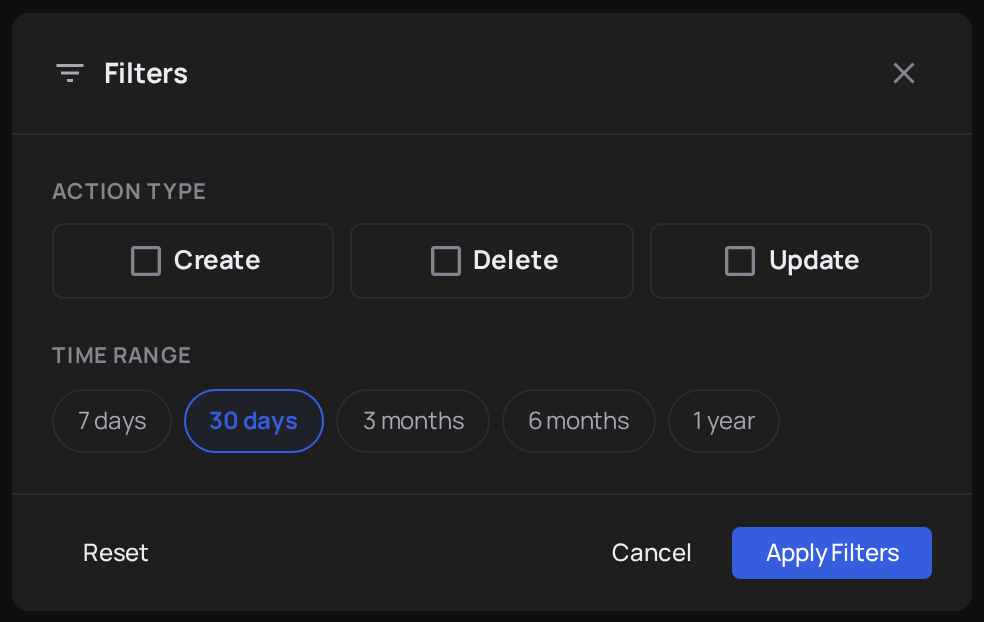
Open the console, then click Activity in the left navigation. The view shows account-wide activity by default — every action across every project. Use the filters at the top to narrow to a specific project, module, action, or actor.
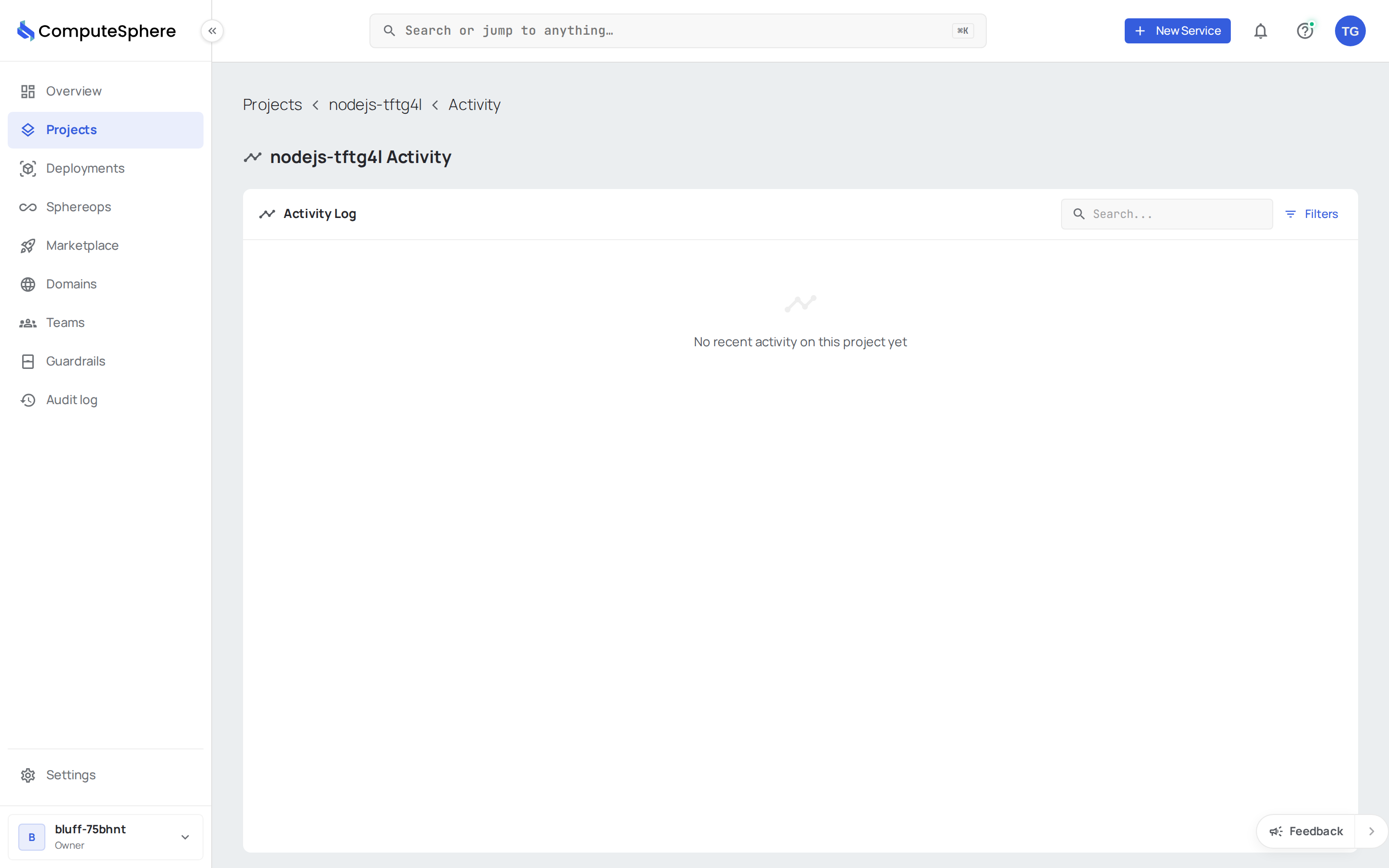
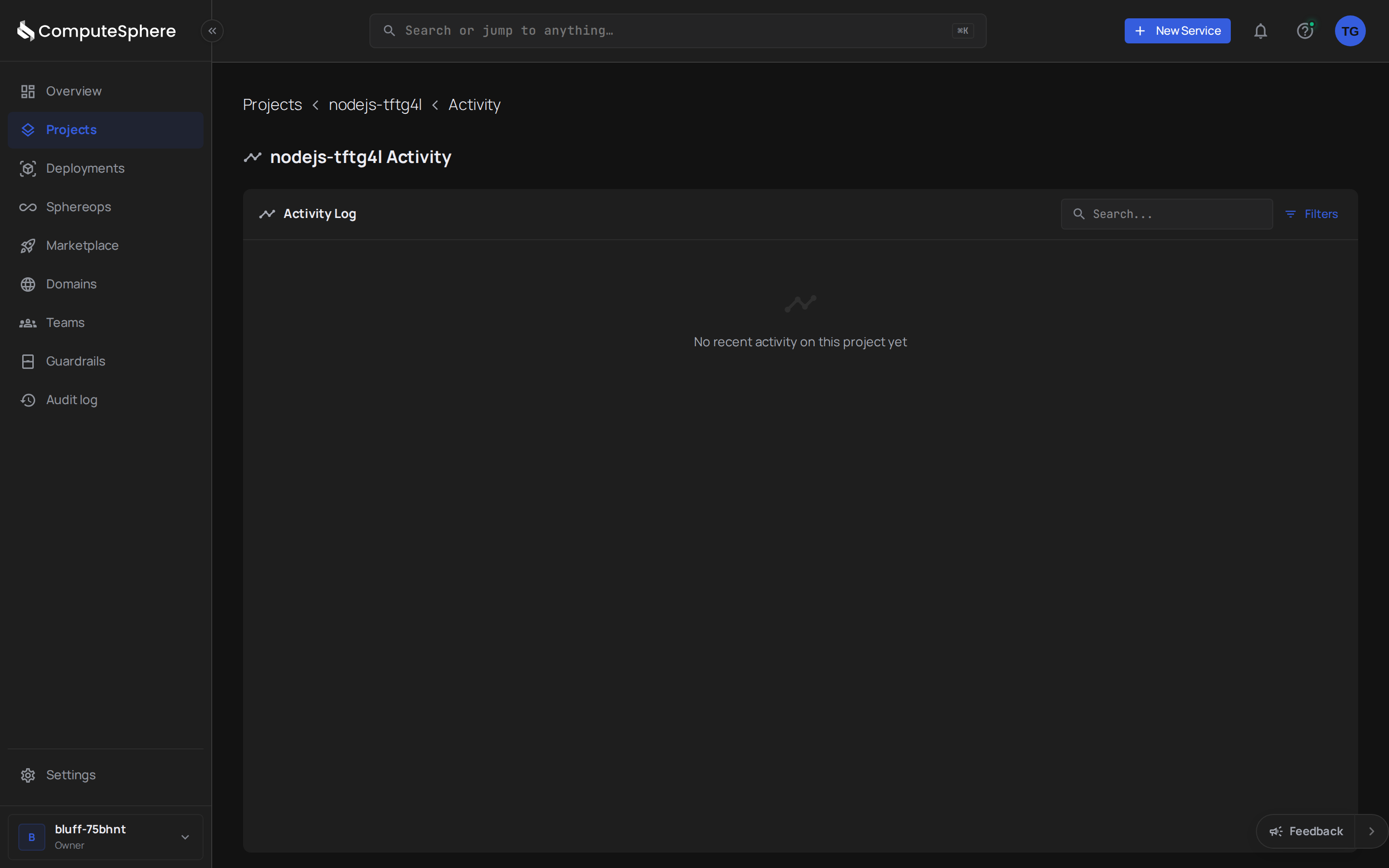
Each row shows the actor's display name, the {Action}{Module} title, a human-readable remark, and the timestamp.
For project-scoped activity, open the project and look at the Activity panel on the bottom-left of the project overview — same data, pre-filtered to that project.
Honest limits
- Activity is account-scoped. There's no cross-account audit view today — even for users who belong to multiple accounts.
- The action/module enum can evolve. New resource types and operations add to the set as the platform ships features. Filter against what the API returns rather than caching a static list.
ip_addressanduser_agentmay be null — they're populated for request-origin events. System-initiated actions (scheduled tasks, platform reconcilers) don't carry an IP or UA.actoris null on rows older than the structured-actor migration. Pre-migration entries fall back to the legacyuser_idfield.- Retention isn't customer-configurable. Default retention applies to every account; contact support if you need a longer window for compliance reasons.
- There's no real-time push. Activity is polled, not streamed. Use the API filter parameters to build the cadence that fits your audit pipeline.
- Deletes are recorded, not reversible. The log captures the
Delete*action, but the underlying resource is gone — activity is a forensic record, not an undo history.
What's next
- API keys — how to scope and rotate the token used for programmatic activity queries.
- Service actions — what each
Actionon a Service row corresponds to in the deploy lifecycle. - Security → Access controls — who in your account can read the activity log and who can edit the resources it tracks.
- Status — separate page for platform-side incidents. Customer activity is yours; platform health is shared.