Projects
A project groups services that belong to the same product or application family. The Projects tab is where you find every project in your account, see what's running in each, and create new ones.
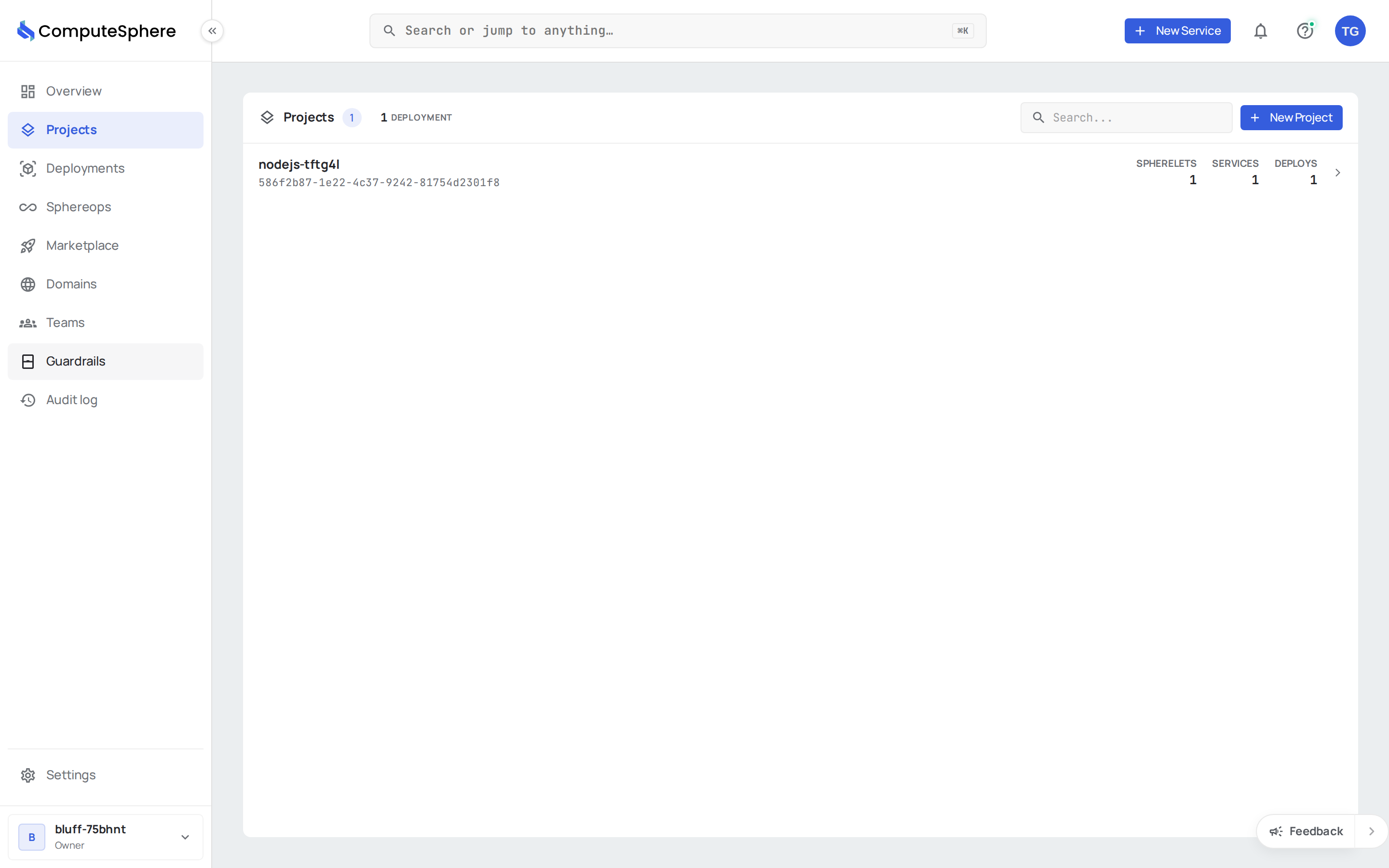
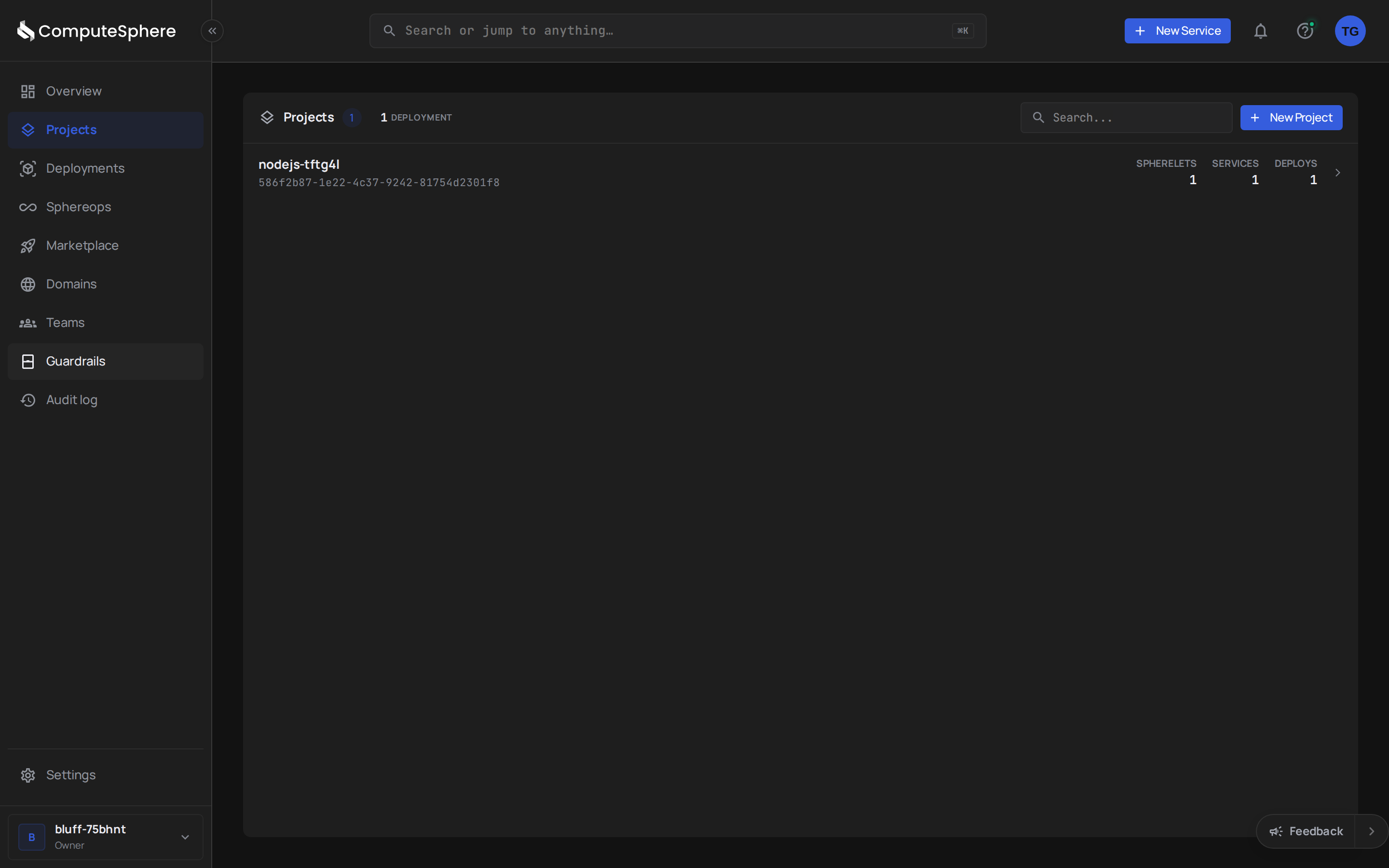
The projects list
Each row shows the essentials at a glance:
- Name + ID — the project name and its mono-formatted ID
- Spherelets — total spherelets running across every service in the project
- Services — number of services in the project
- Deploys — total deployments across the project's services
Click any row to open the project — services, environments, deployments, and members all live one level deeper.
A search bar in the header narrows the list as you type. The count chip next to the Projects heading tracks the filtered total.
Create a project
Click New Project in the header. A form asks for the name; everything else is optional and editable later.
For the full create flow including team assignment and environment setup, see the Create a new project guide.
Where to go next
- Add a service — deploy code into the project
- Add an environment —
dev/staging/prodisolation - Concepts — the project → environment → service hierarchy