Settings
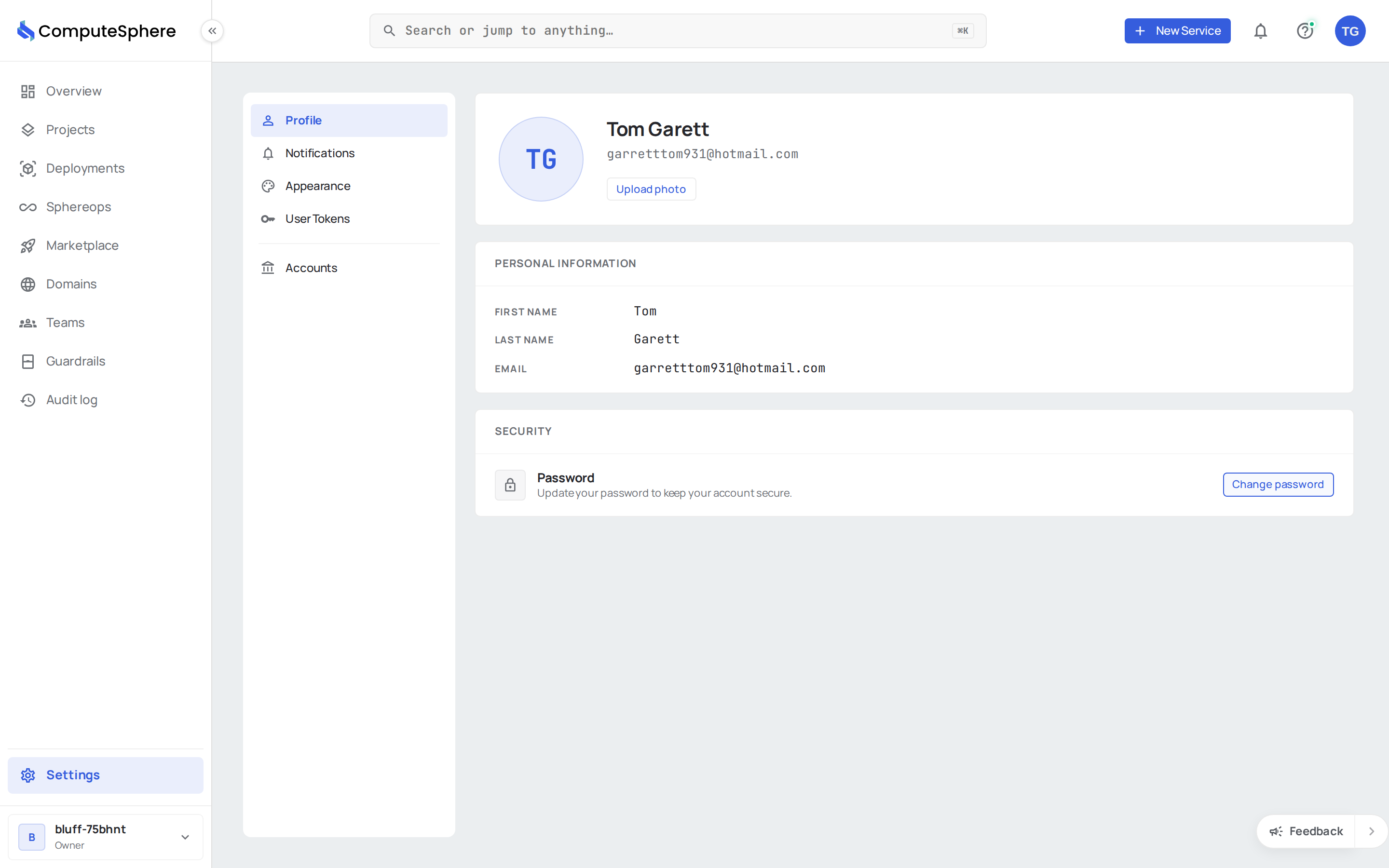
The Settings section is where you manage everything personal to your account and the way you interact with the console — profile details, account membership and roles, API tokens, notification routing, and theme.
What's on each tab
| Tab | What it manages |
|---|---|
| Profile | Your name, profile picture, and password |
| Accounts | The accounts you belong to, member roles, invitations, billing |
| API tokens | Programmatic access tokens for the API, CLI, and SDKs |
| Notifications | Which events notify you, and whether they go to in-app, email, or webhook |
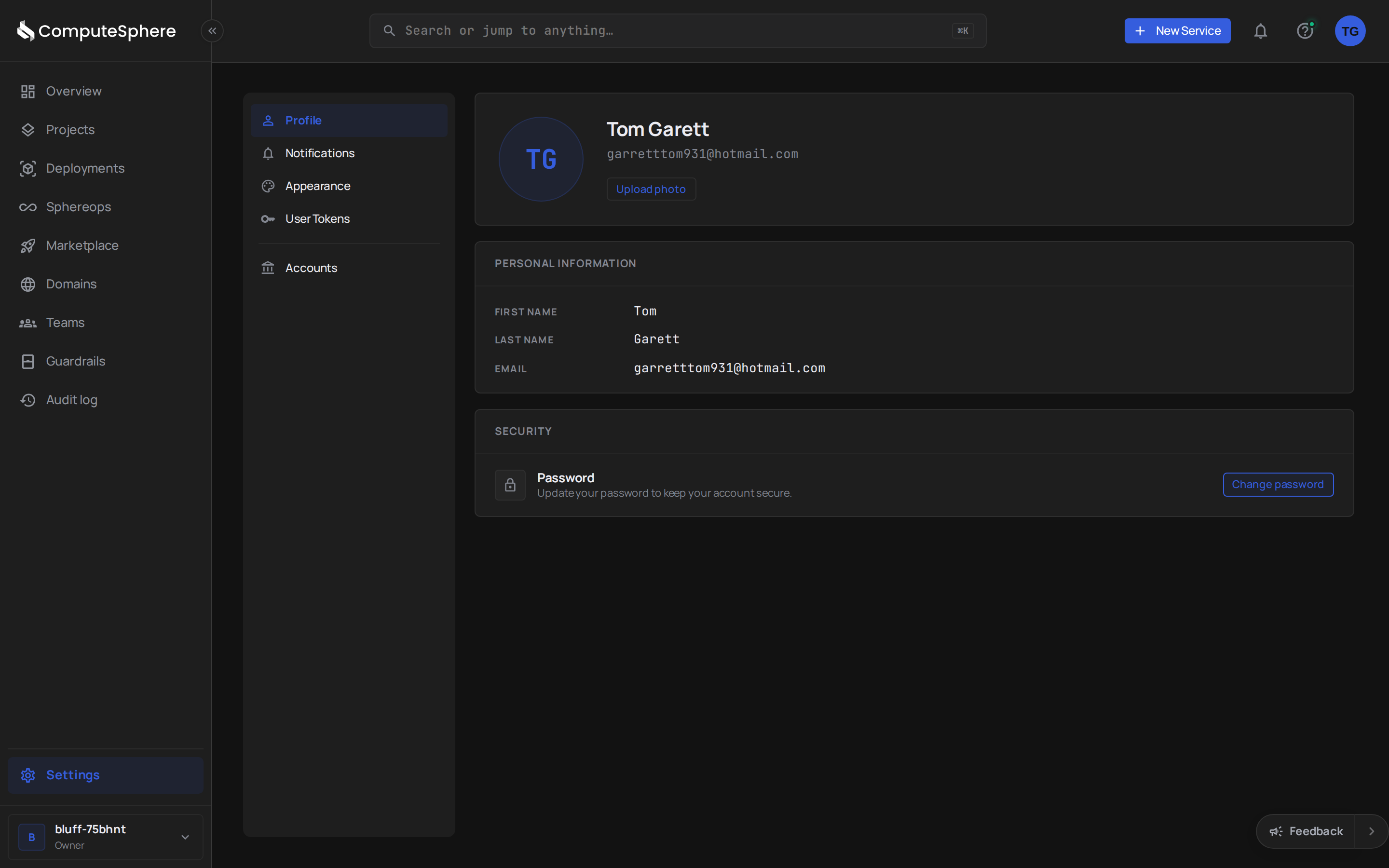
| Appearance | Light, dark, or sync-with-system theme |
Profile vs. account
These are separate concepts and the most common point of confusion:
- A profile belongs to you, the human. There's exactly one per signed-in user. It travels with you across every account you join.
- An account is a billing and resource container. You can belong to multiple accounts (your own, your team's, a contractor's), each with its own projects, members, and subscription.
The active account is shown in the header. Switch accounts from the account picker — the rest of the console refreshes to that account's projects, members, billing, and invitations.
Honest limits
- No personal-API-token shop. API tokens live under the account currently in context. A token's scope (
user,account, orproject) decides what it can reach, but you create and revoke tokens per account, not per profile. - No SSO bypass. If your sign-in is federated (Google, SAML, etc.), some profile fields are managed by the identity provider and locked locally. The Profile tab marks them.
- Account default name is auto-generated. New accounts ship with a nature-word + short-slug name (e.g.
cedar-7x9k2m). Rename it from the Accounts tab as soon as you're set up.
What's next
- API key quickstart — mint your first API token and call the API
- Access controls — how account, team, and project roles compose
- Notifications — the cross-channel notification model in detail