Guardrails
Guardrails are account-wide governance rules that enforce naming standards, content policies, and configuration checks across the resources in your account. Each guardrail is a named bundle of one or more rules; each rule is a specific check. When someone creates or updates a resource, the matching guardrails run and either block the action or warn the actor.
Use them to keep projects, environments, and services on-policy without policing them by hand.
Anatomy
| Concept | What it is |
|---|---|
| Guardrail | The container. Carries a name, description, scope, effect, and a list of rules. Belongs to one account. |
| Rule | A single check — for example, Name length >= 4 or Description contains "owner:". Rules live in a rule library and can be reused across multiple guardrails. |
| Audit log | One row per audit run — when the guardrails were evaluated, who triggered it, how many violations were found, and the run status. |
| Predefined guardrail | Platform-provided rule bundle that captures a best-practice policy. You assign it to your account; you can't edit the rules inside it. |
Scope and effect
Each guardrail is pinned to one scope (the resource type it inspects) and one effect (what happens on a violation).
| Scope | What the guardrail evaluates |
|---|---|
| Project | Project name and description. |
| Environment | Environment name and description (dev, staging, production, custom names). |
| Service | Service name and description. |
| Effect | Behaviour on violation |
|---|---|
| Block | Reject the create/update operation. The actor sees the guardrail's message. |
| Warn | Allow the operation but surface the violation in audit results and the console. |
The Guardrails tab
The Guardrails tab in the console has three views:
- Guardrails — the bundles you've created or assigned, with status (enabled/disabled), scope, effect, and rule count.
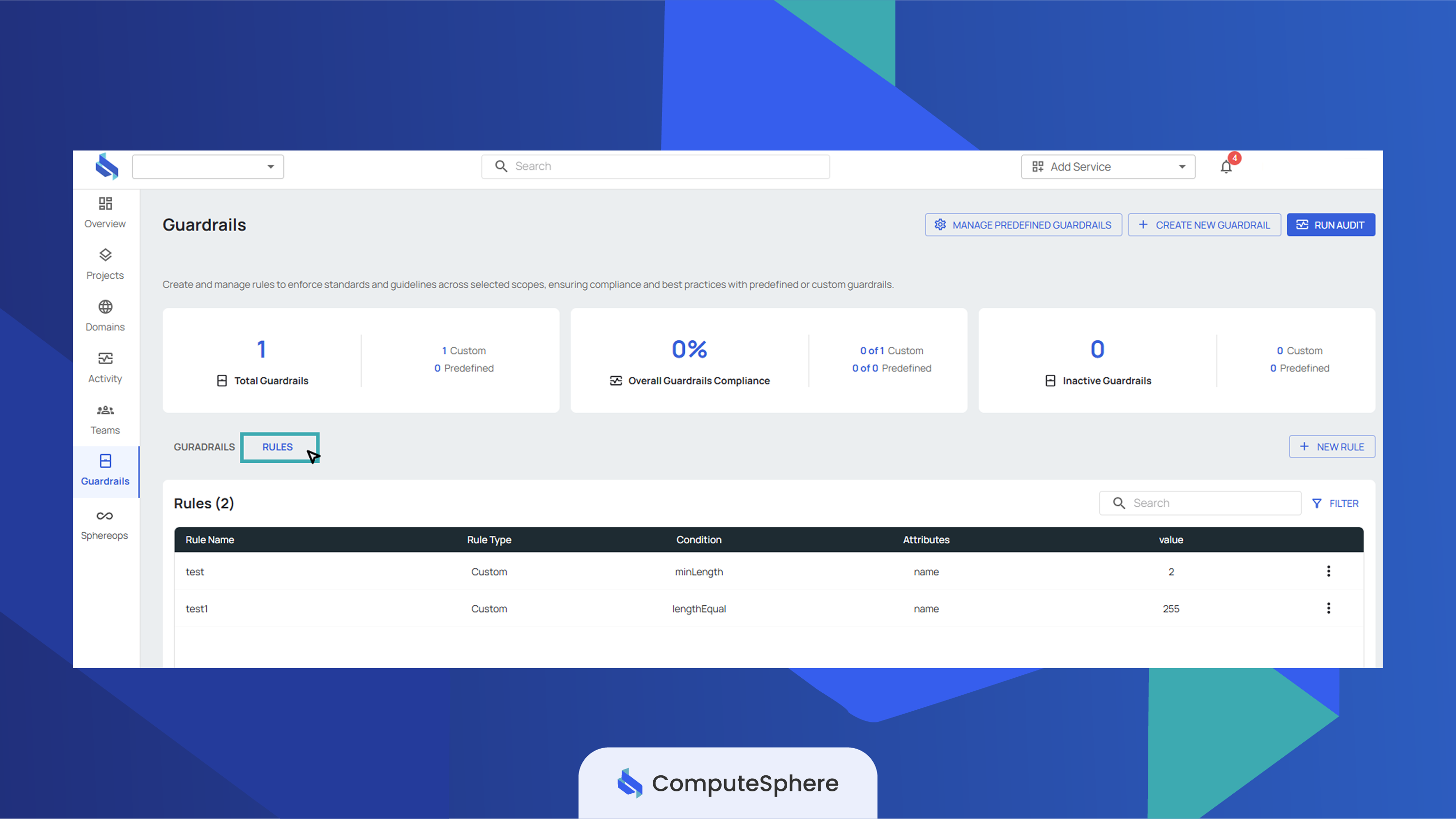
- Rules — the rule library. Rules can be authored here independently and attached to one or more guardrails.
- Audit logs — the history of audit runs across your account's guardrails.
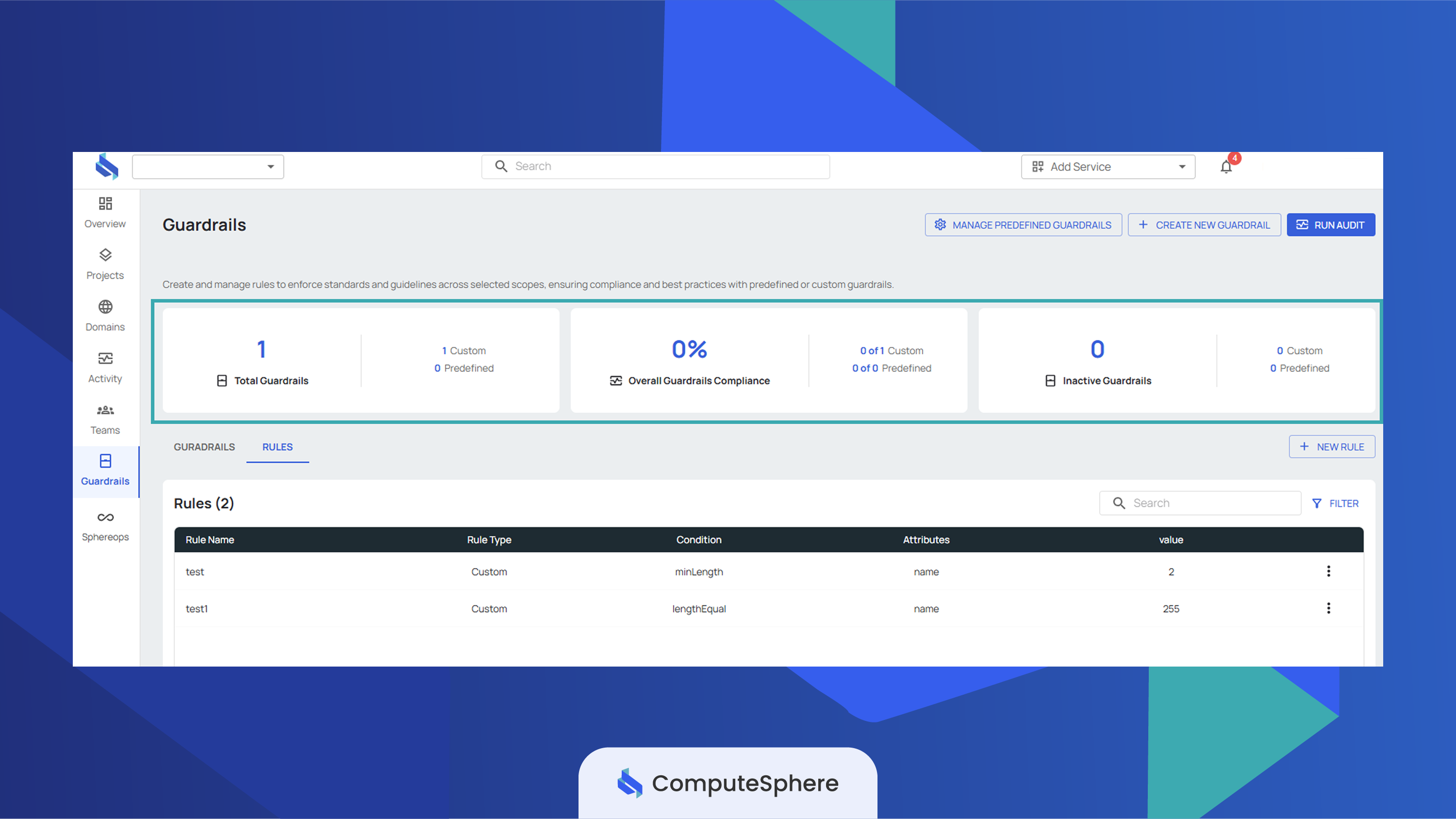
A summary strip at the top of the tab shows the active guardrail count, the rule count, and the most recent audit run.
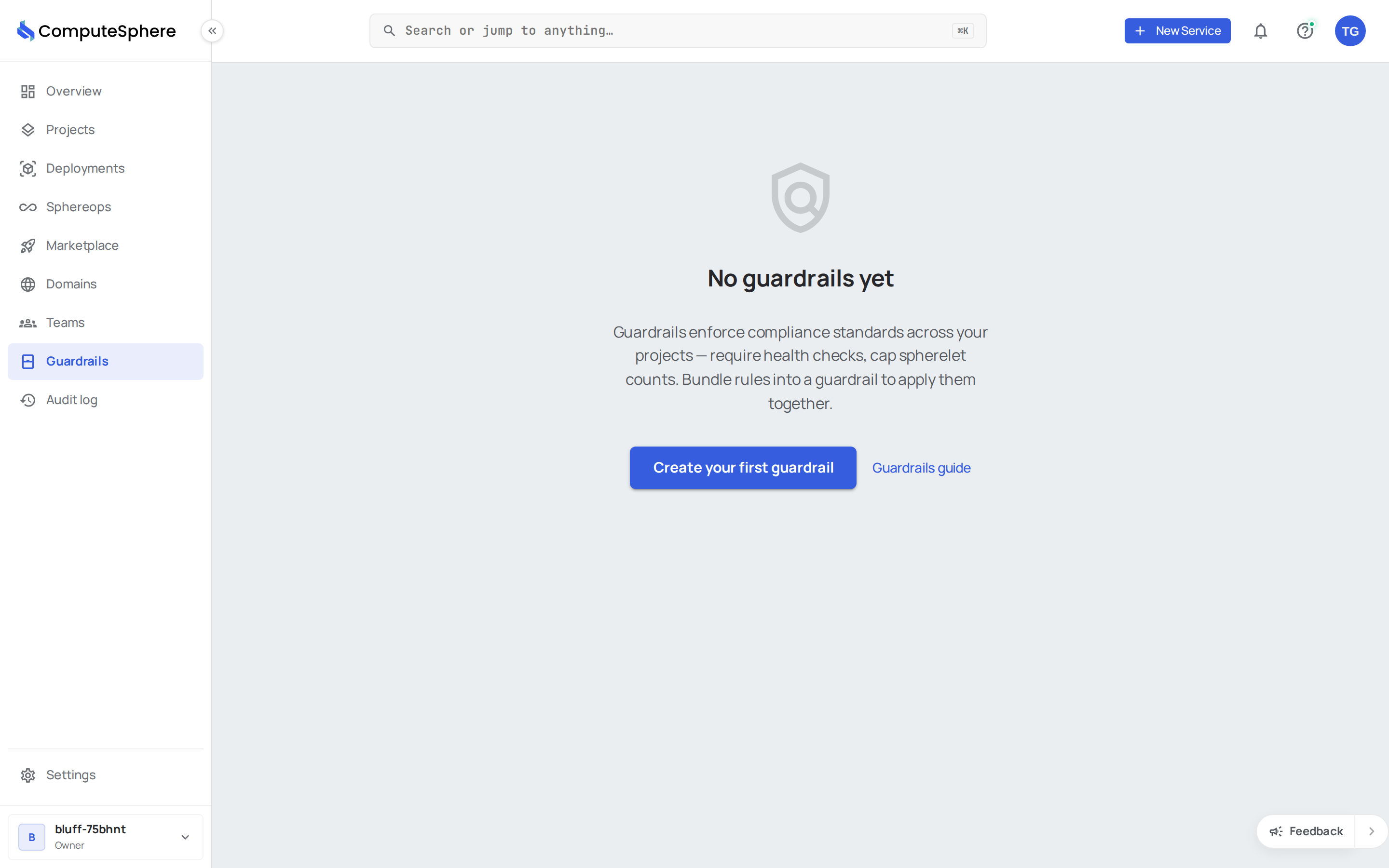
The Guardrails list pane:
The Rules library pane:
The summary strip at the top:
List guardrails over the API
curl --request GET \
  --url "https://api.computesphere.com/api/v2/guardrails?page=1&size=20" \
  --header "Authorization: Bearer YOUR_API_TOKEN" \
  --header "x-account-id: ACCOUNT_ID"
Filter by type=custom or type=predefined to narrow the response. The list comes back in the standard v2 envelope:
{
  "object": "list",
  "items": [
    {
      "object": "guardrail",
      "id": "5625e796-c982-43c5-a2dd-38d9c5164756",
      "account_id": "25c758ee-be0f-436d-9b0d-d8e177acd11d",
      "created_by": "013d8d4c-21bd-4758-bcaa-7743d8cfbabe",
      "name": "Project naming policy",
      "description": "Project names must be 4+ characters and start with a team prefix.",
      "type": "custom",
      "scope": "project",
      "effect": "block",
      "message": "Project name fails the team naming policy.",
      "status": true,
      "is_predefined_assigned": false,
      "rules": [
        {
          "object": "guardrail_rule",
          "id": "d9edcc1d-bbbd-442b-9f2e-641b5c1cf9e6",
          "account_id": "25c758ee-be0f-436d-9b0d-d8e177acd11d",
          "name": "Min name length",
          "scope": "project",
          "metrics": "name",
          "operator": "lengthGreaterThanOrEqual",
          "value": 4
        }
      ]
    }
  ],
  "pagination": { "page": 1, "size": 20, "total": 1 }
}
For the full request/response schema, see the API reference.
Honest limits
- Guardrails are account-scoped. Each guardrail belongs to one account; there's no cross-account guardrail today, and no organization-level rollup across accounts.
- Edit access is role-gated. Account
AdminandOwnerroles can create, update, toggle, and delete guardrails. Other members see the tab in read-only mode. - Effect is per guardrail, not per rule. When a guardrail bundles multiple rules, every rule shares the same
block/warneffect. Split the rules into separate guardrails if you need mixed effects. - Scope is per guardrail, fixed at create time. A
project-scoped guardrail doesn't evaluate environment or service operations. To cover three resource types, create three guardrails. - Predefined guardrails can't be edited. You can assign and unassign them and toggle them on or off — but the rules inside are platform-managed and update automatically with platform releases.
- Audit history is append-only. Every audit run is recorded in the audit log; rows aren't editable or deletable.
What's next
- Create a guardrail — name it, pick scope and effect, attach rules.
- Create rules — author the attribute/operator/value checks that guardrails reuse.
- Predefined guardrails — platform-provided rule bundles for common policies.
- Security → Access controls — who in your account can create and edit guardrails.
- Activity — the audit trail of every guardrail change (create, update, toggle, delete).