Teams
A team is a named group of account members with a shared list of projects. The Teams tab is where you create teams, add members to them, and decide which projects each team can see — and at what permission level.
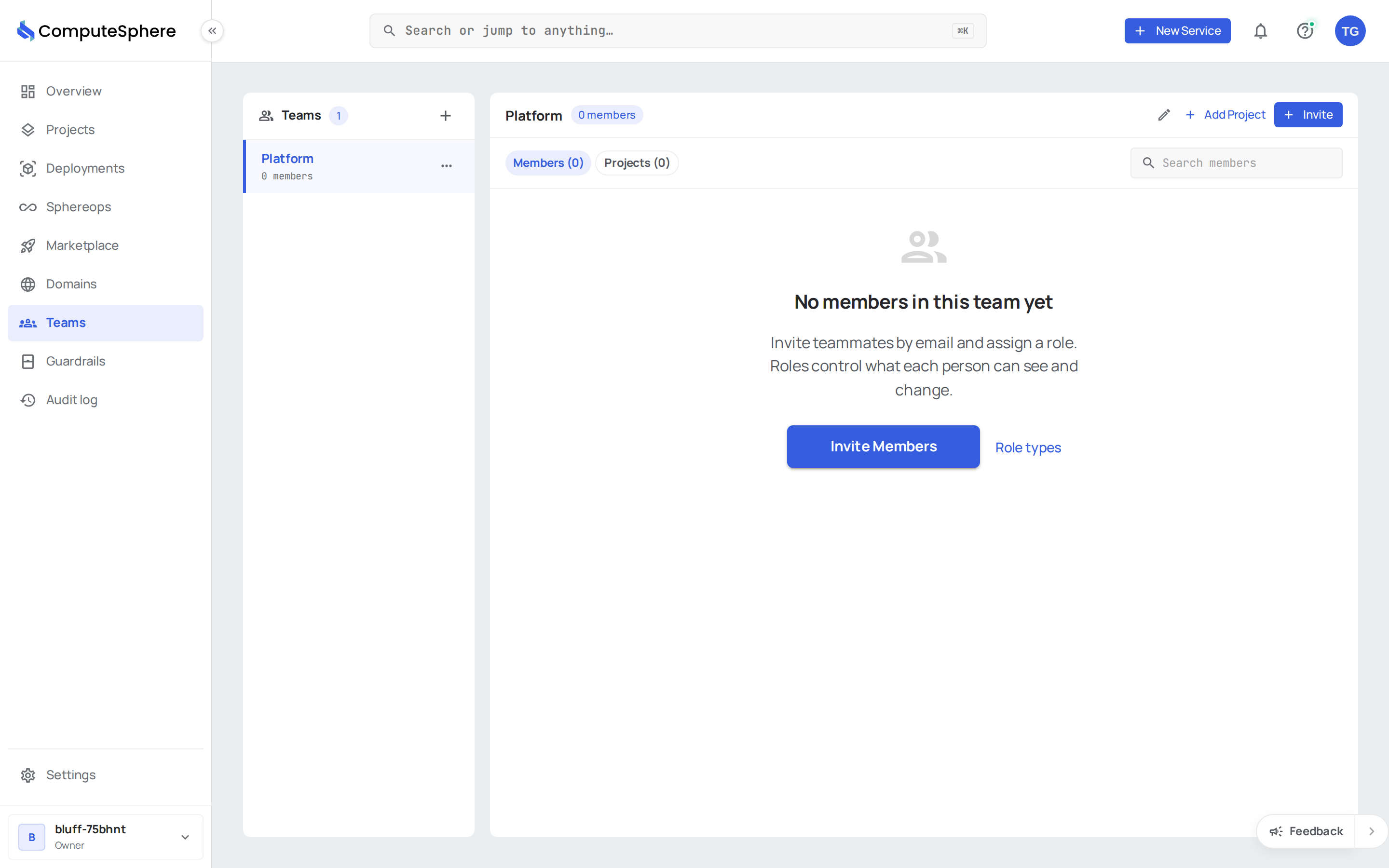
The teams list
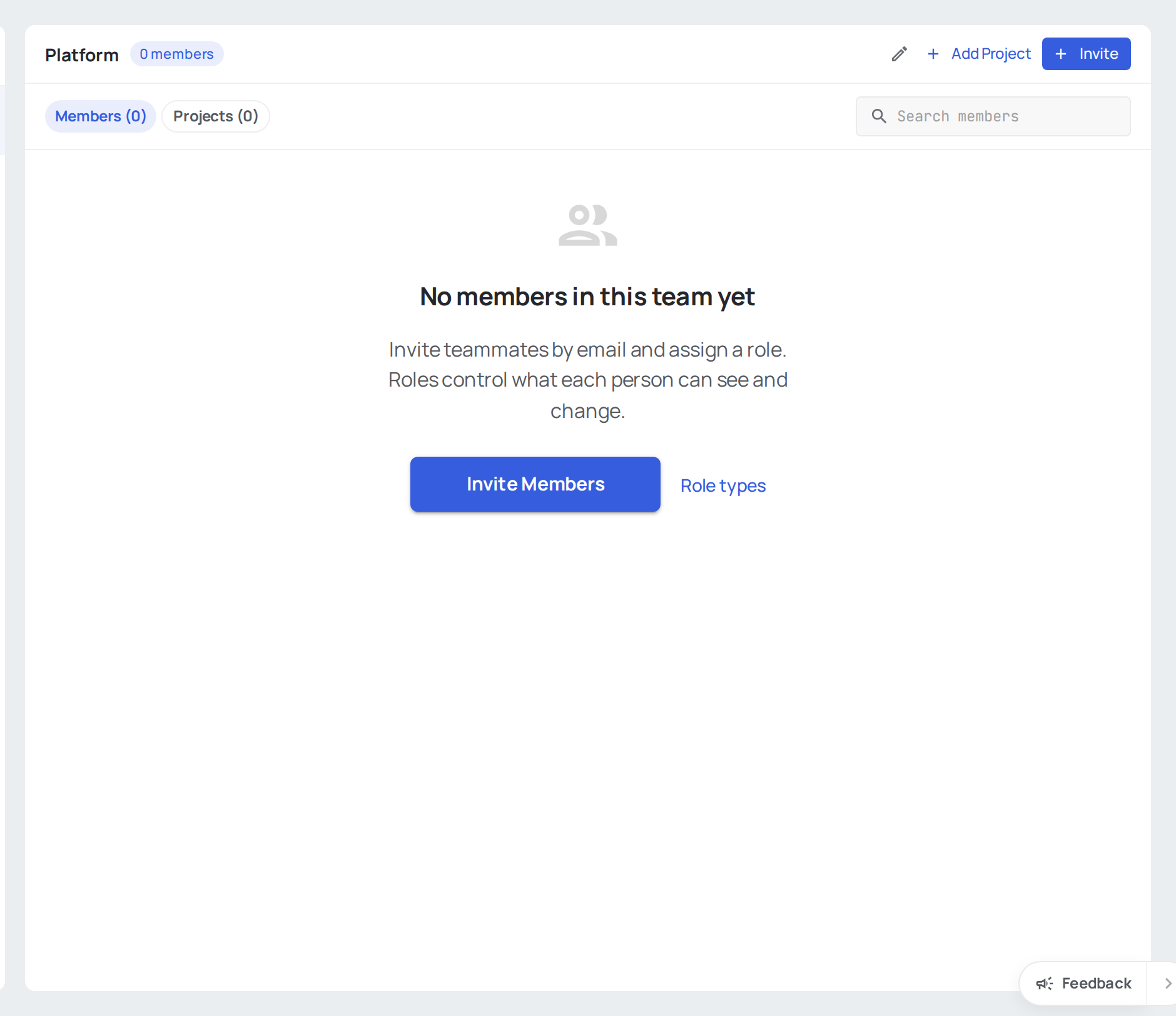
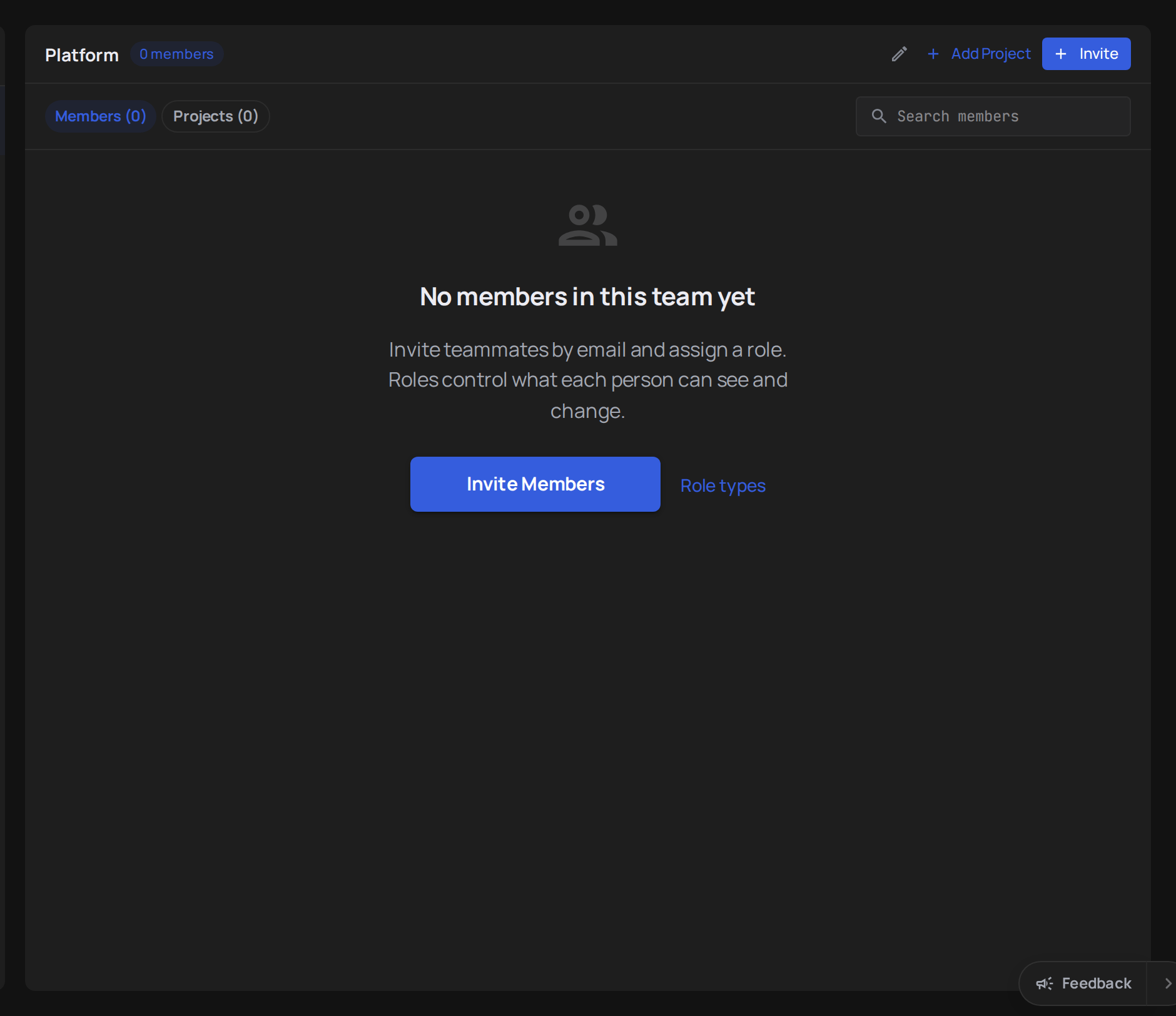
The right panel lists every team in the account. Click a row to open the team — its members and shared projects appear on the left.
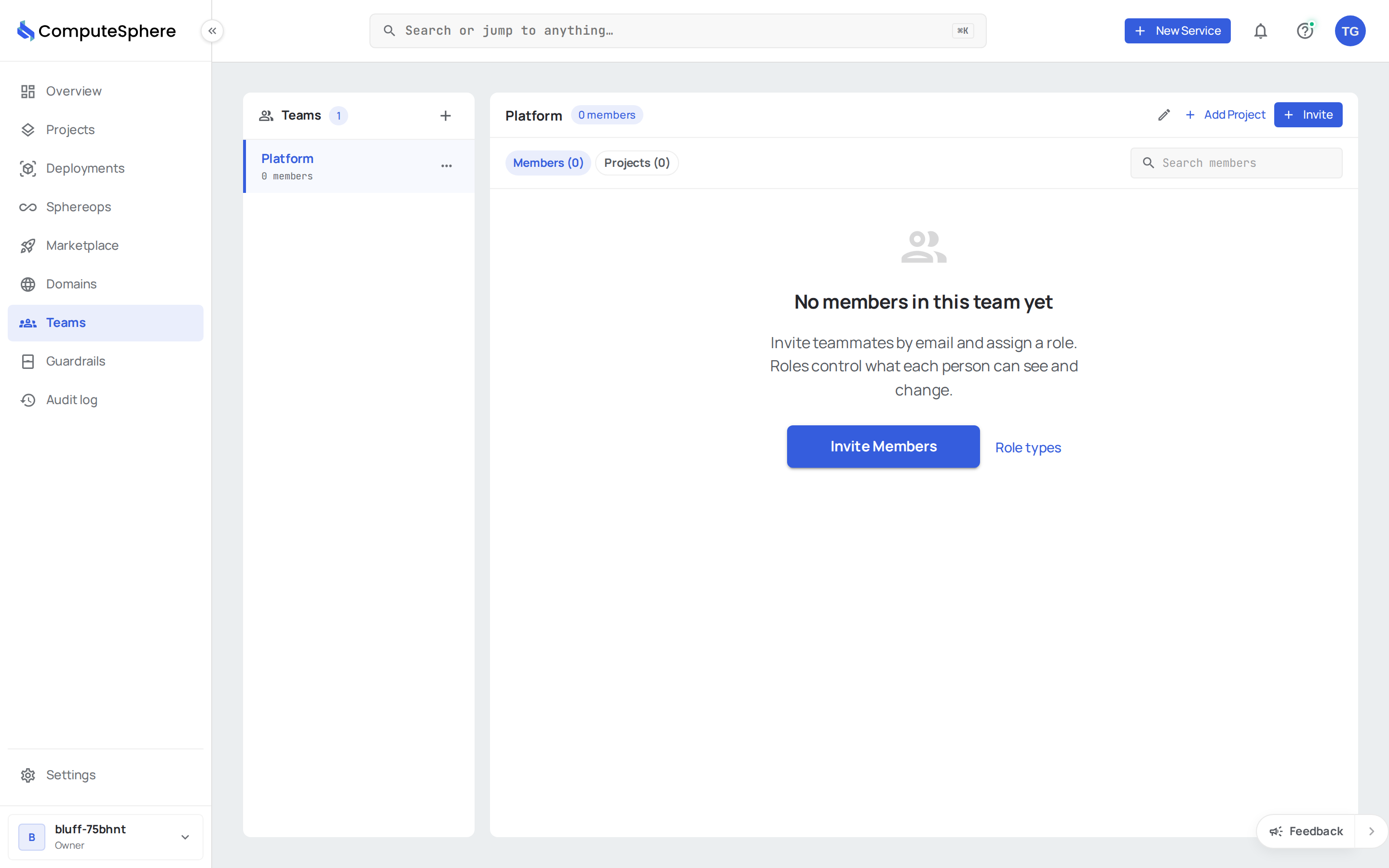
| Tab | What it shows |
|---|---|
| Members | Every user attached to the team — name and email. Remove from here. |
| Projects | Every project shared with the team — project name, role, when shared. Manage access or remove from here. |
How permissions resolve
Two scopes stack:
| Scope | Roles | What it controls |
|---|---|---|
| Account-wide | Owner, Admin, Member | Billing, members, account settings. Owner and Admin can do everything inside every project regardless of team. A Member can view every project. |
| Project (via team share) | Viewable, Editable, Admin | Within a single project: read-only (Viewable); create services and deploy (Editable); also open a terminal with SphereShell, delete things, approve builds and change the deploy policy (Admin). |
Account-level roles override project levels. A user who is an account Admin always has full access to every project in the account, even when a team has only shared the project as Viewable. Admin through a team is admin of that one project: it doesn't include transferring the project or managing the account.
The full table of who can do what is in Security → Access controls.
Read the list via API
curl https://api.computesphere.com/v2/teams?account_id=YOUR_ACCOUNT_ID \
  -H "Authorization: Bearer YOUR_API_TOKEN" \
  -H "x-account-id: YOUR_ACCOUNT_ID"
A successful response carries the standard v2 list envelope:
{
  "object": "list",
  "items": [
    {
      "object": "team",
      "id": "01a8645d-0ff1-45b2-83c5-a5e3cda9cf66",
      "name": "platform",
      "description": "core infra",
      "account_id": "f94e4c35-09f8-40dc-97c7-64ce613ddd87",
      "owner_id": "013d8d4c-21bd-4758-bcaa-7743d8cfbabe",
      "members": []
    }
  ],
  "pagination": { "page": 1, "size": 20, "total": 1 },
  "warnings": []
}
See the API reference for the full schema. To list teams from a terminal:
csph teams list
Honest limits
- Teams are account-scoped. A team belongs to exactly one account. There is no way to share a team — or a project via a team — across two different accounts. A user who belongs to multiple accounts has a separate set of teams in each.
- Account roles override team roles. An Owner or Admin on the account has full access to every project regardless of any team-level project share. Use team-based sharing for the Member tier of users; it doesn't constrain Owners or Admins.
- Members can view every project. A Member of the account can read every project in it without being on a team. Teams raise that to Editable or Admin on the projects you choose; they don't hide the others.
- No nested teams. Teams are flat. A team can't contain another team.
- No cross-team uniqueness rules. Two teams in the same account can share the same project at the same role. There's no "primary team" concept — the user gets whichever role is most permissive across all teams they belong to.
What's next
- Create a team — name a team and add the first members
- Invite members — bring users into the account and onto a team
- Share a project with a team — grant Viewable, Editable or Admin access
- Security → Access controls — the full permission model