Create a team
A team is just a name and a description. Members and shared projects get added once the team exists.
- Open the Teams tab and click Create Team.
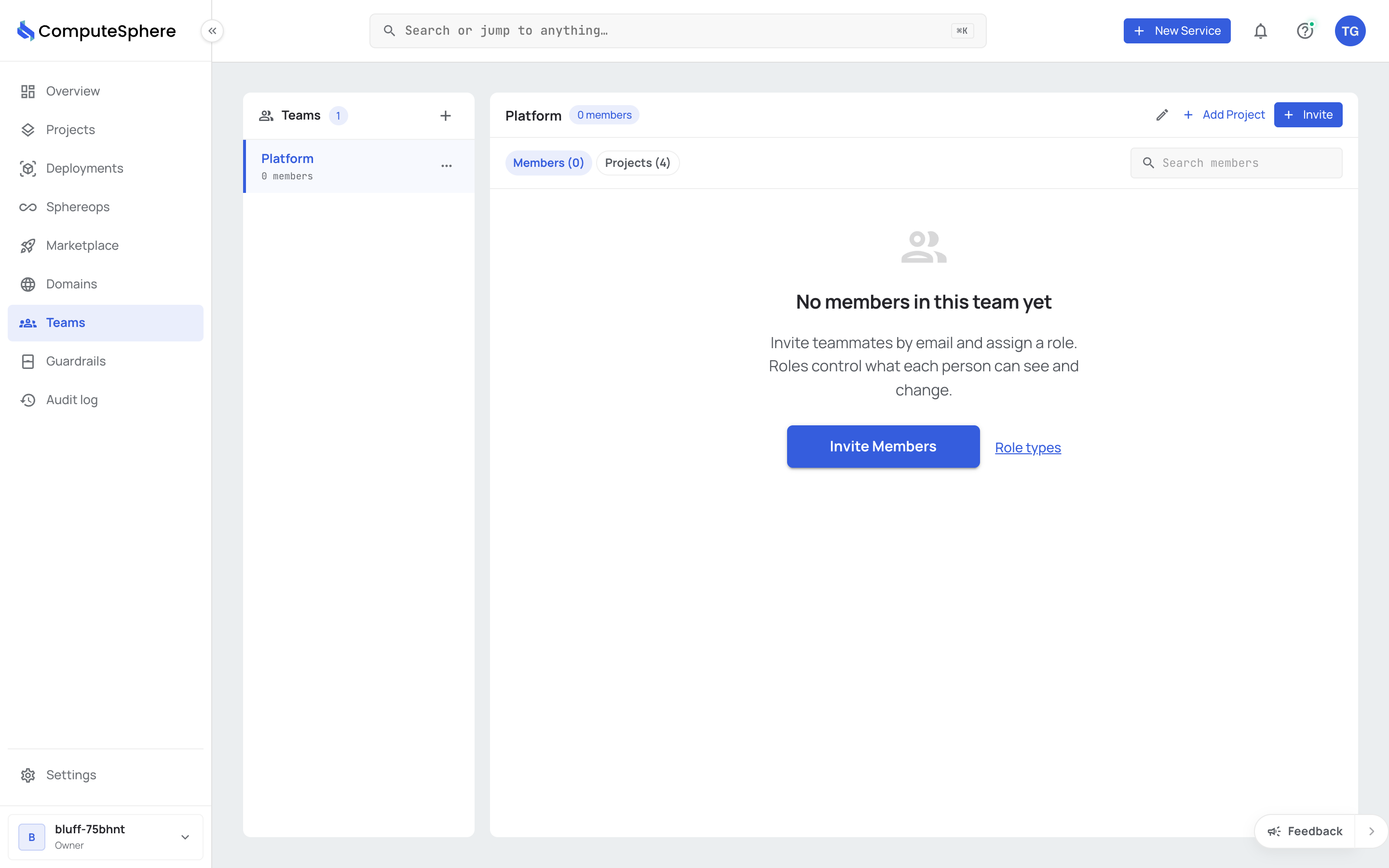
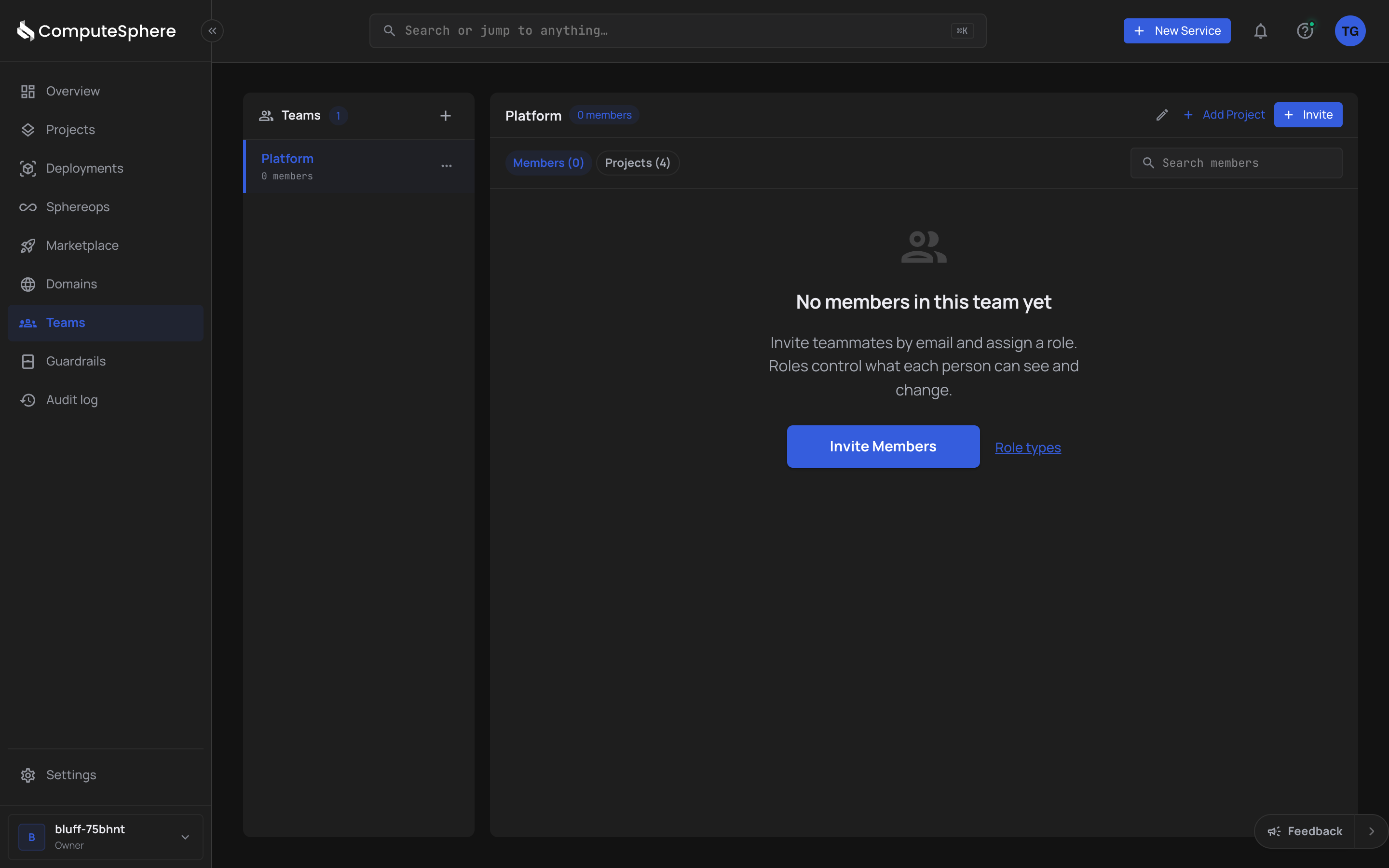
- Enter a Name. A description is optional and editable later.
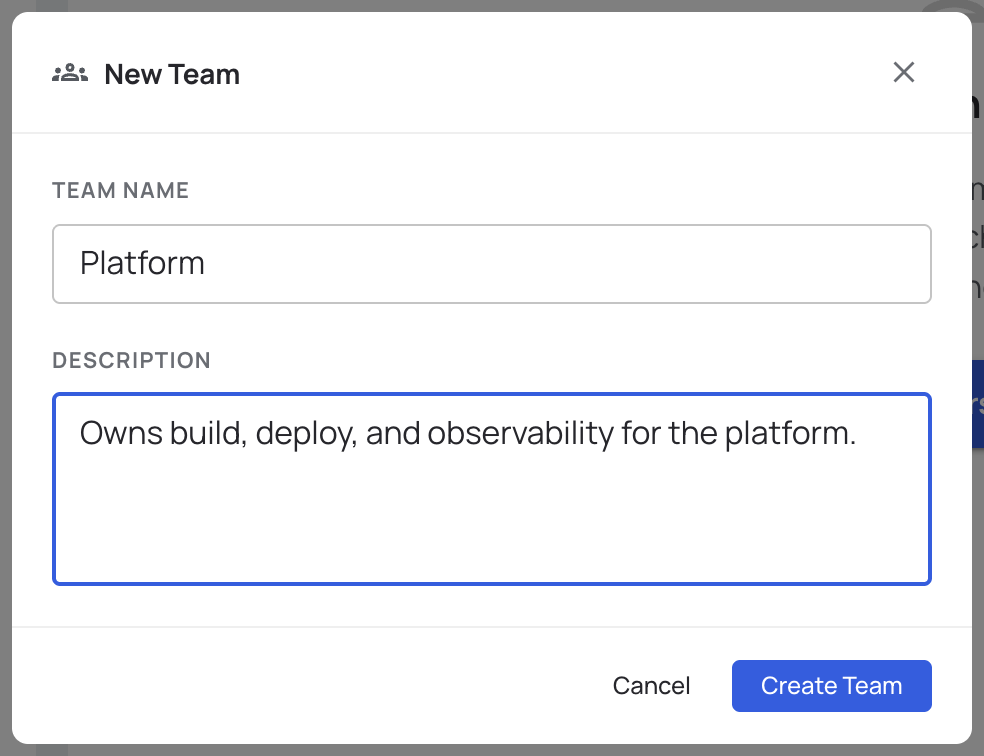
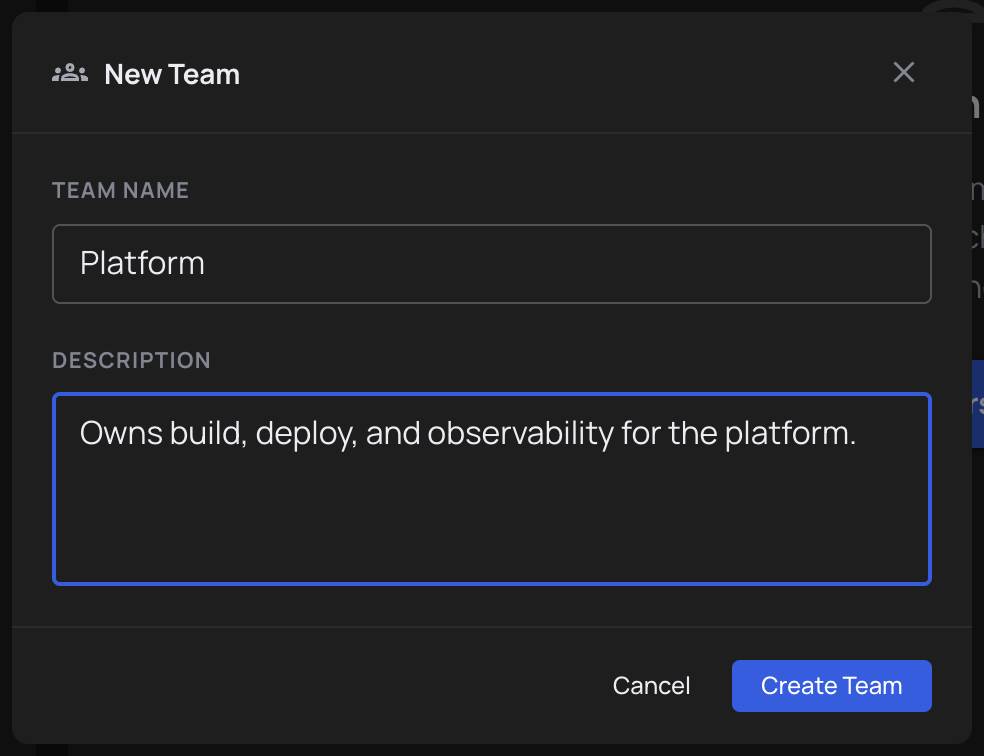
- Click Create Team. The new team appears in the list with an empty Members tab and empty Projects tab.
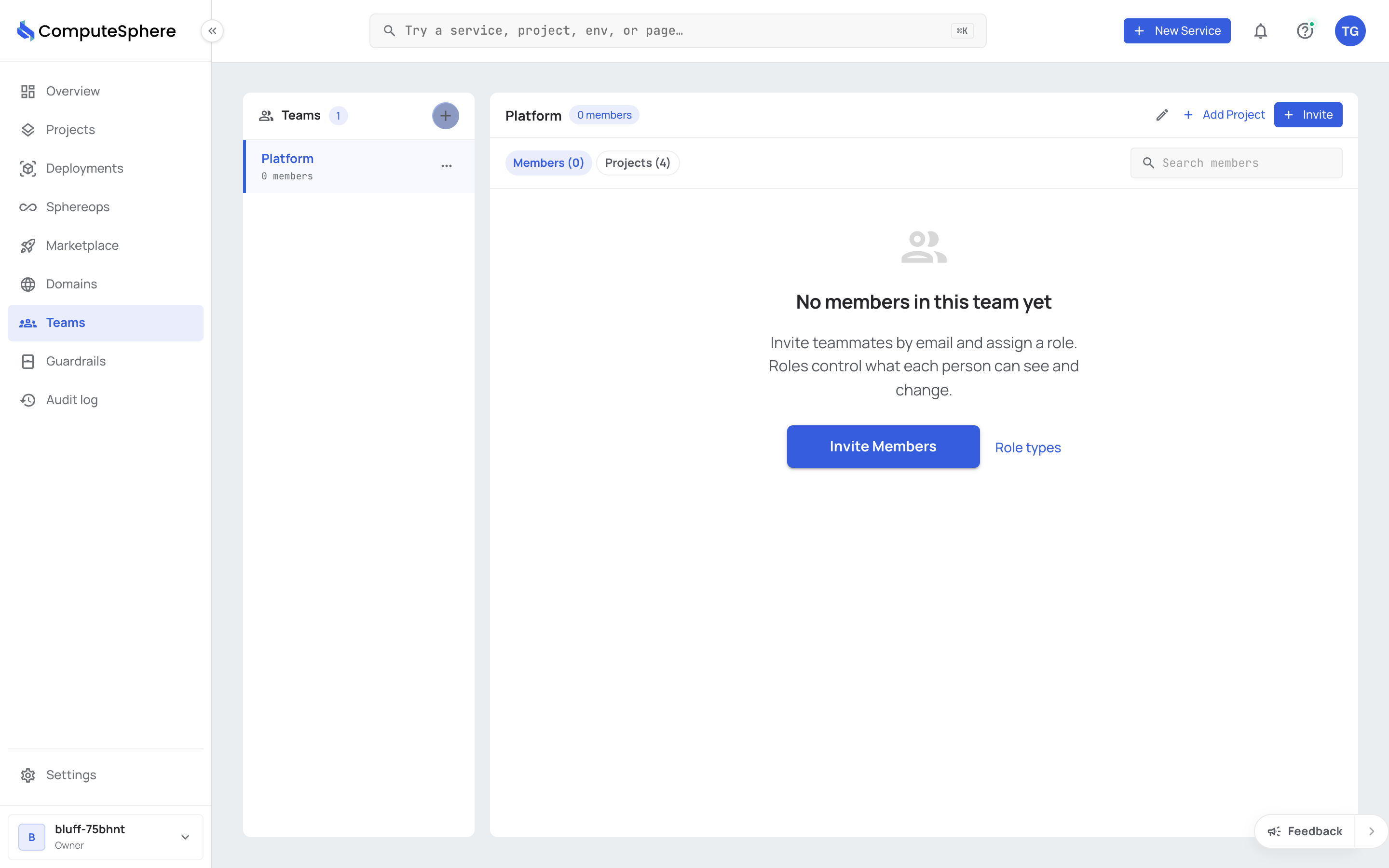
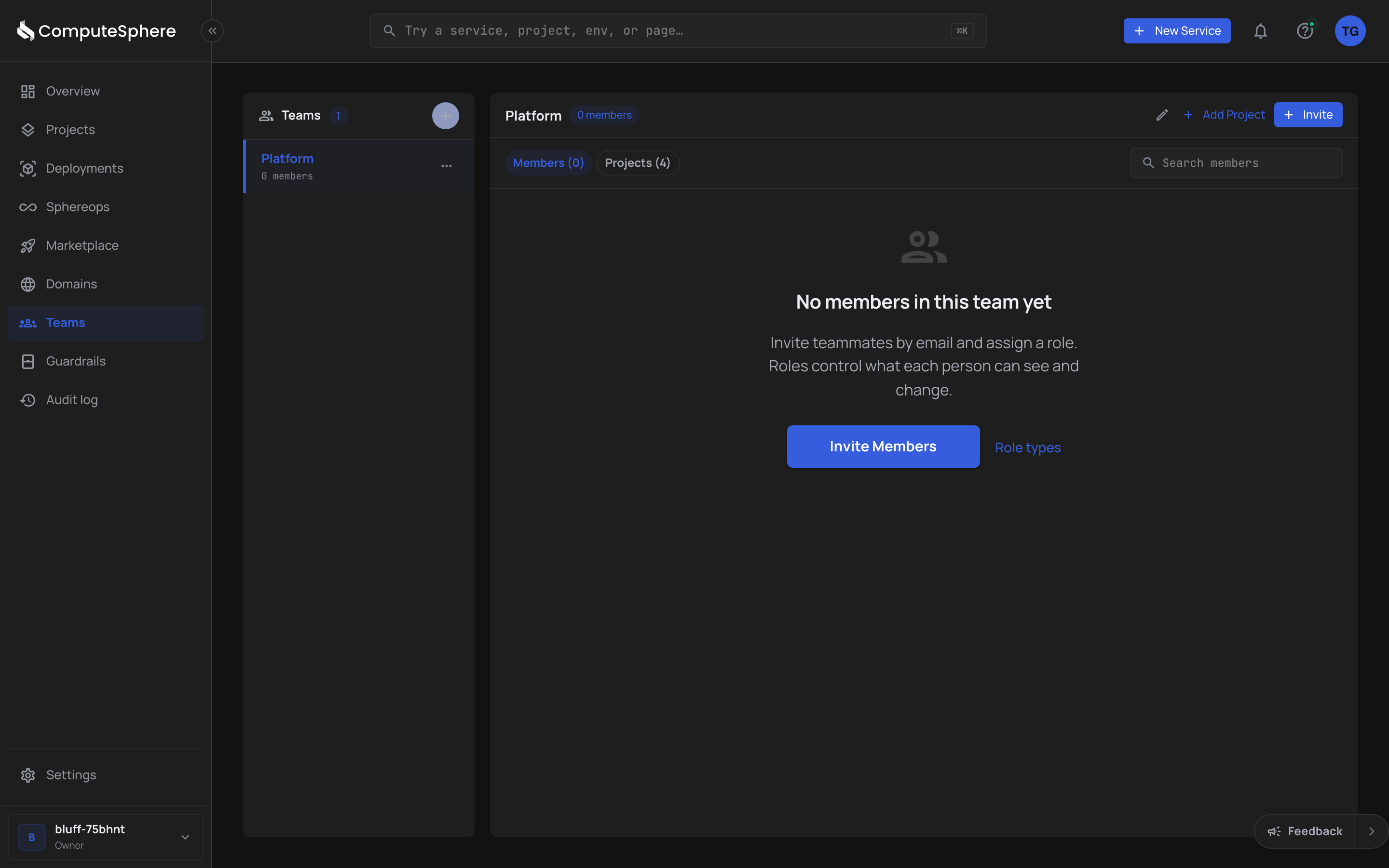
Edit a team
| What changes | Where |
|---|---|
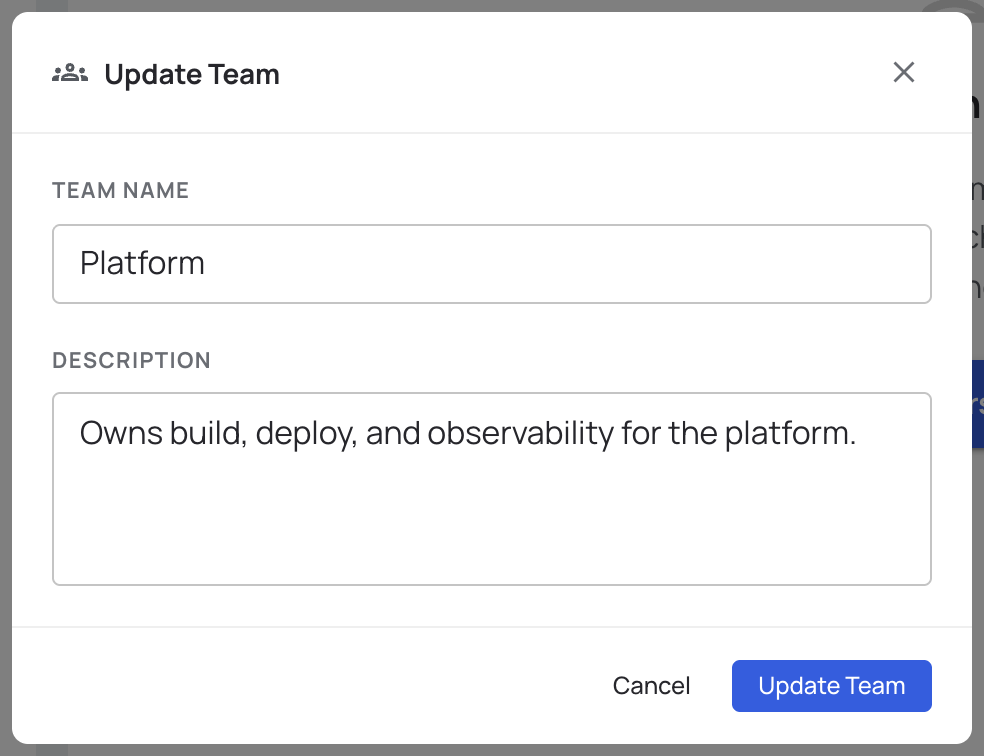
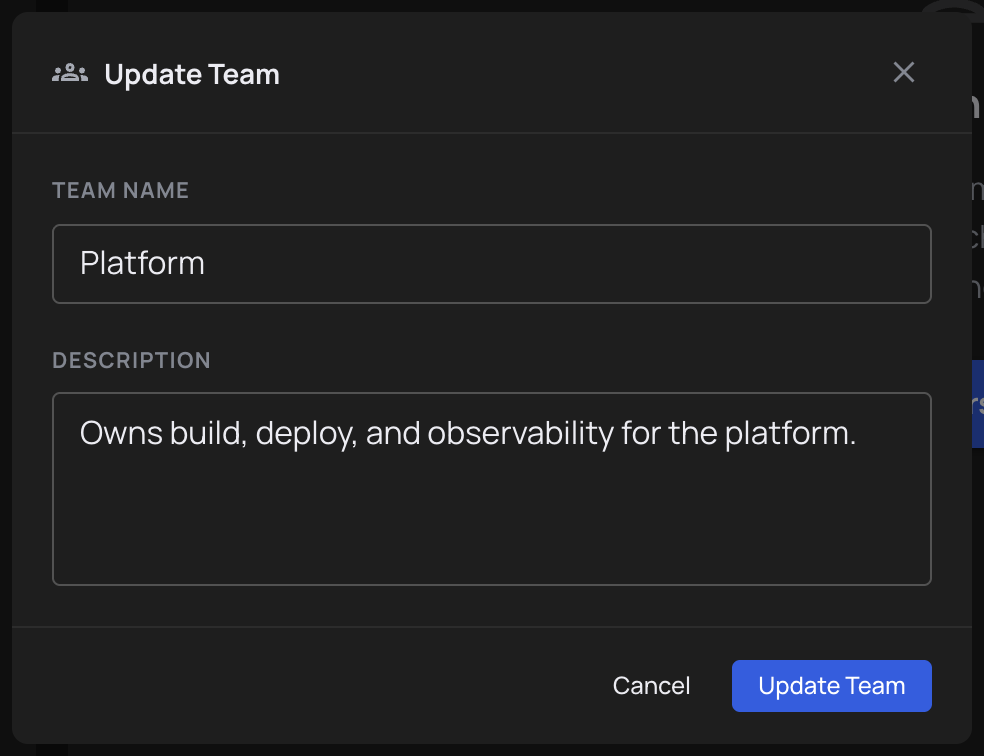
| Name | Click the edit (pencil) icon in the team header. |
| Description | Same edit modal. |
| Members | The Members tab — see Invite members. |
| Projects | The Projects tab — see Share a project. |
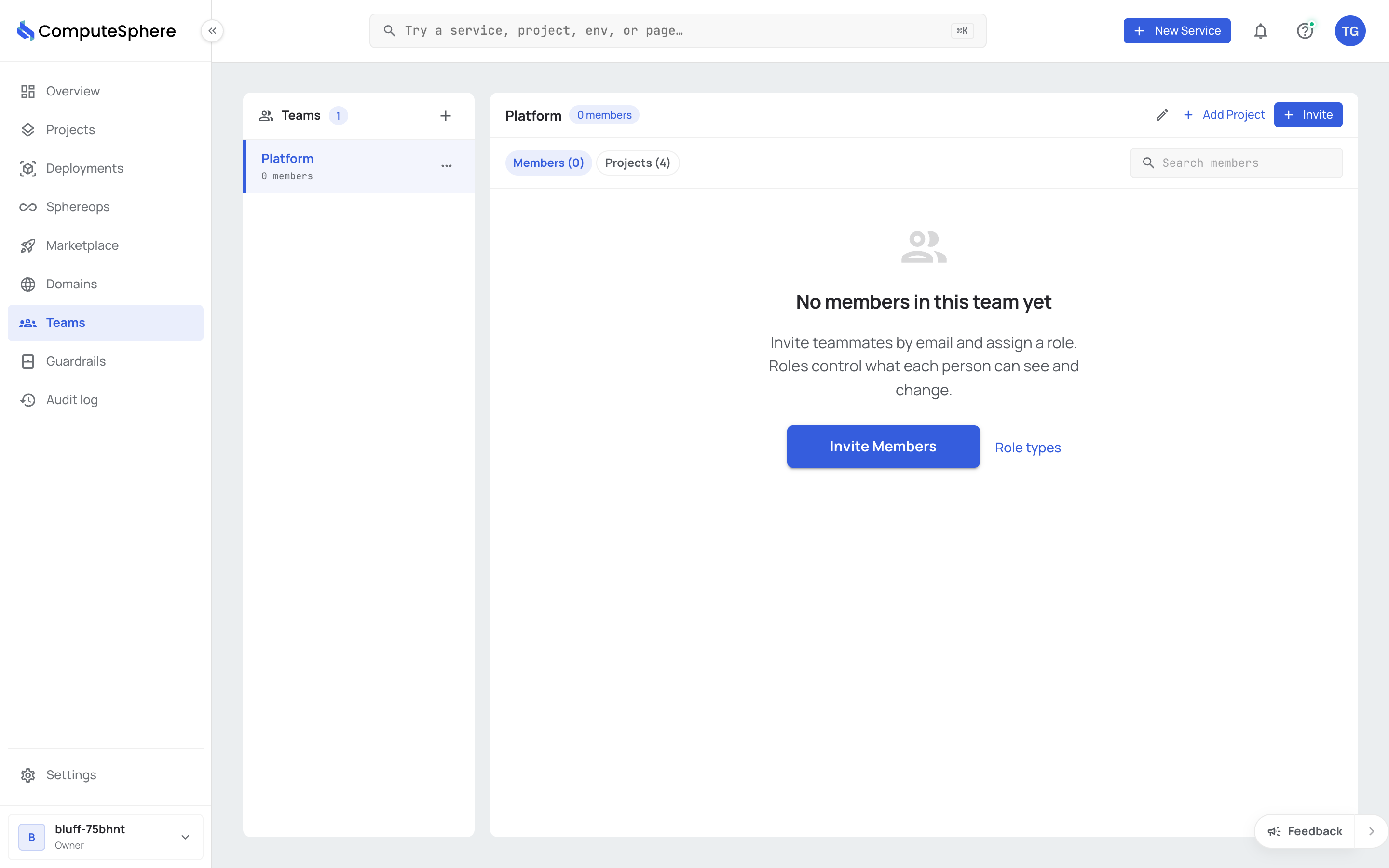
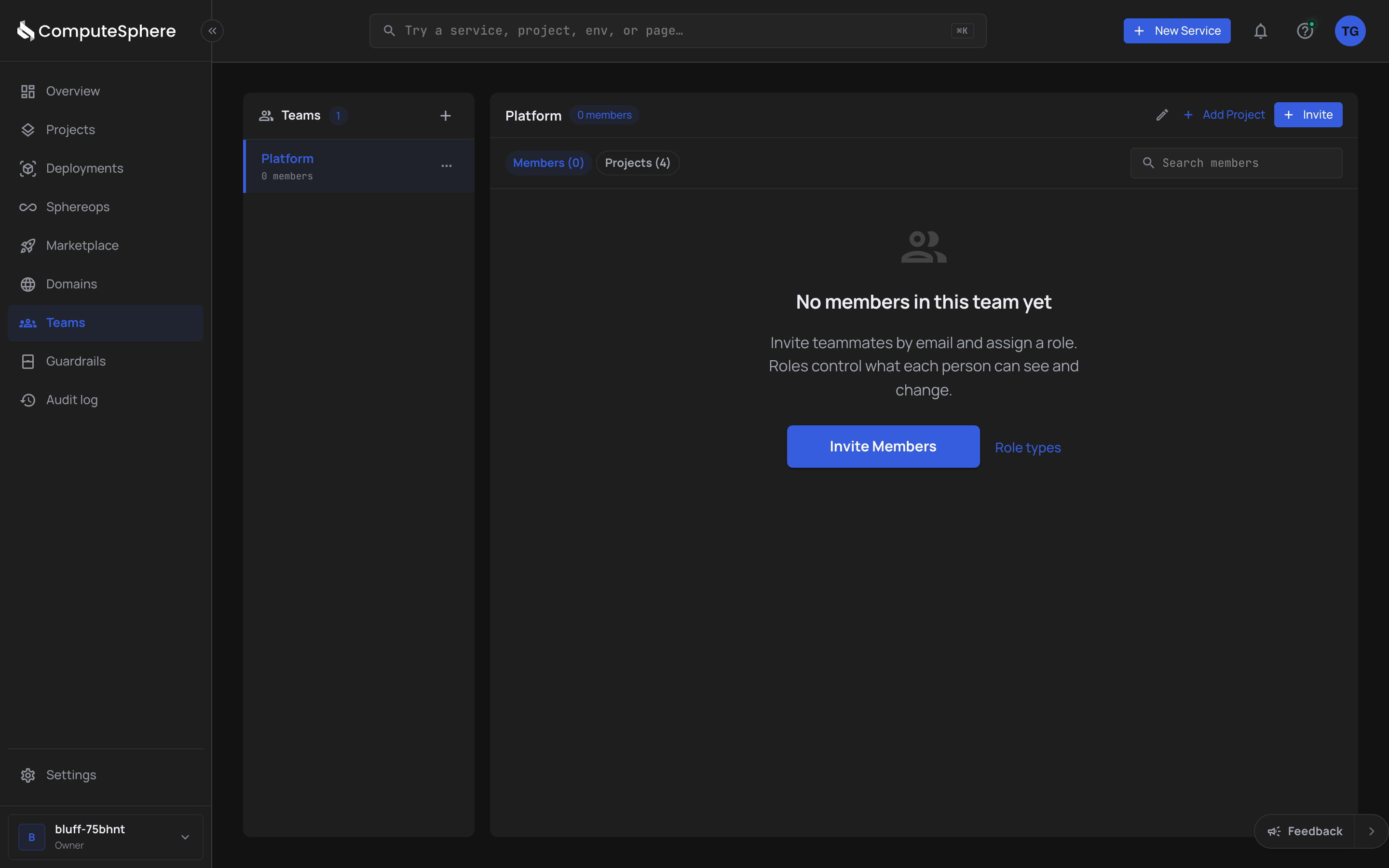
Edit the fields and click Update Team.
Delete a team
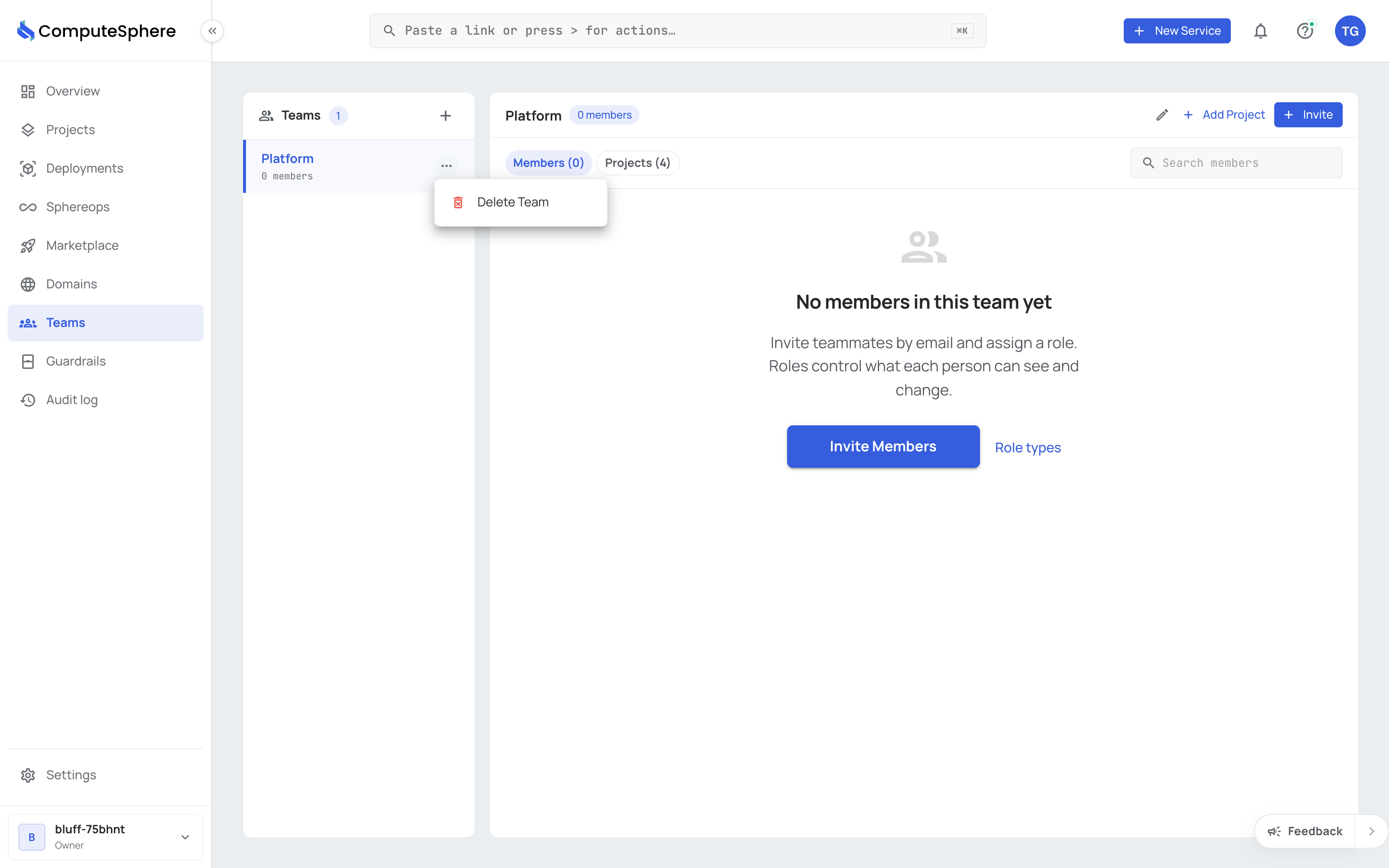
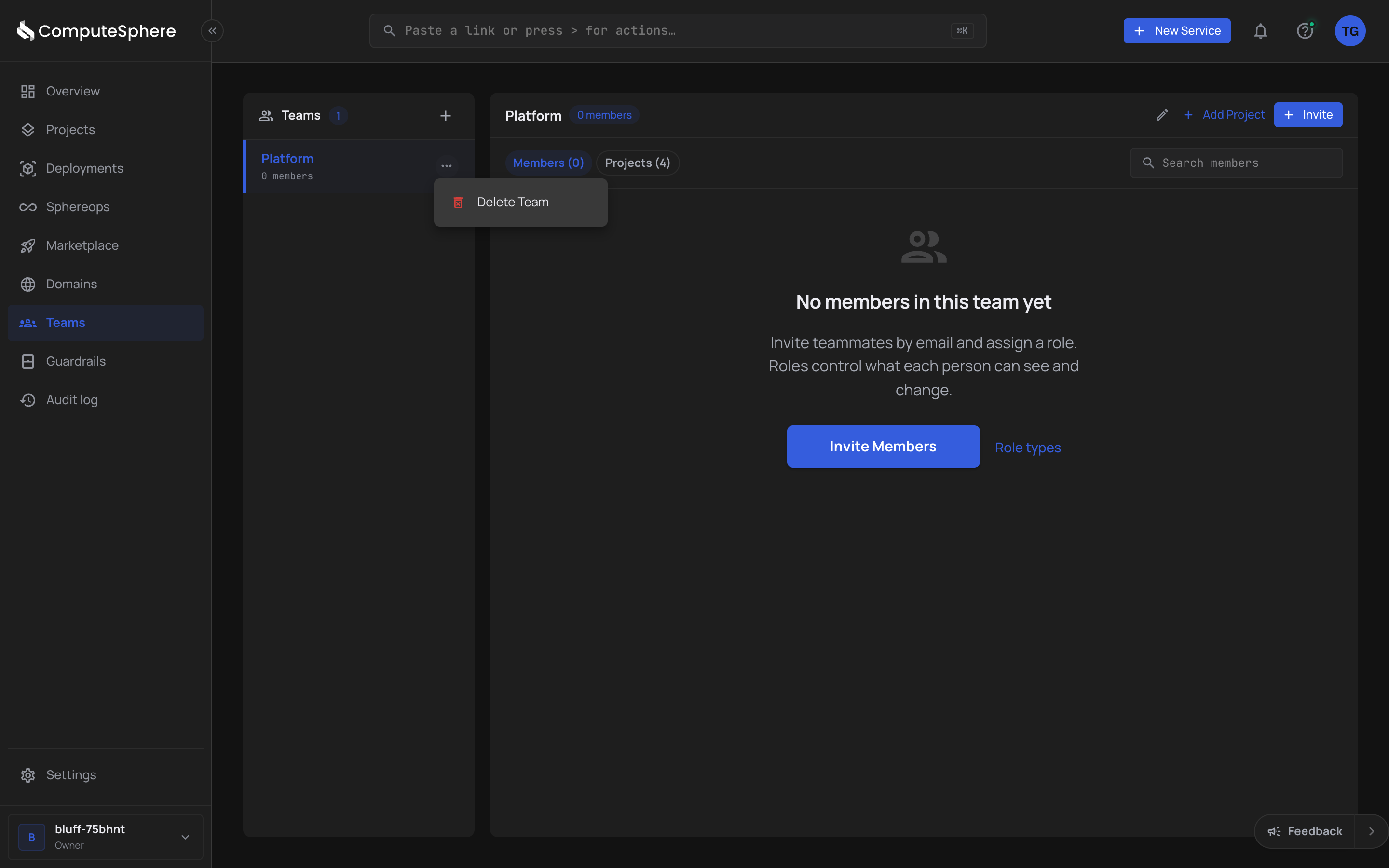
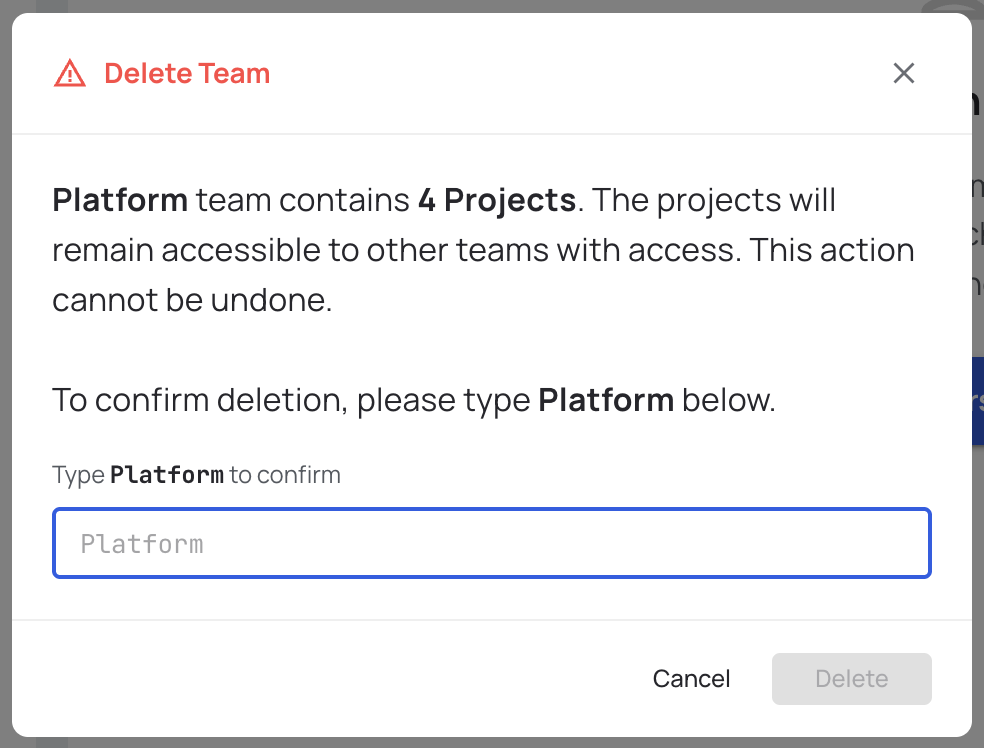
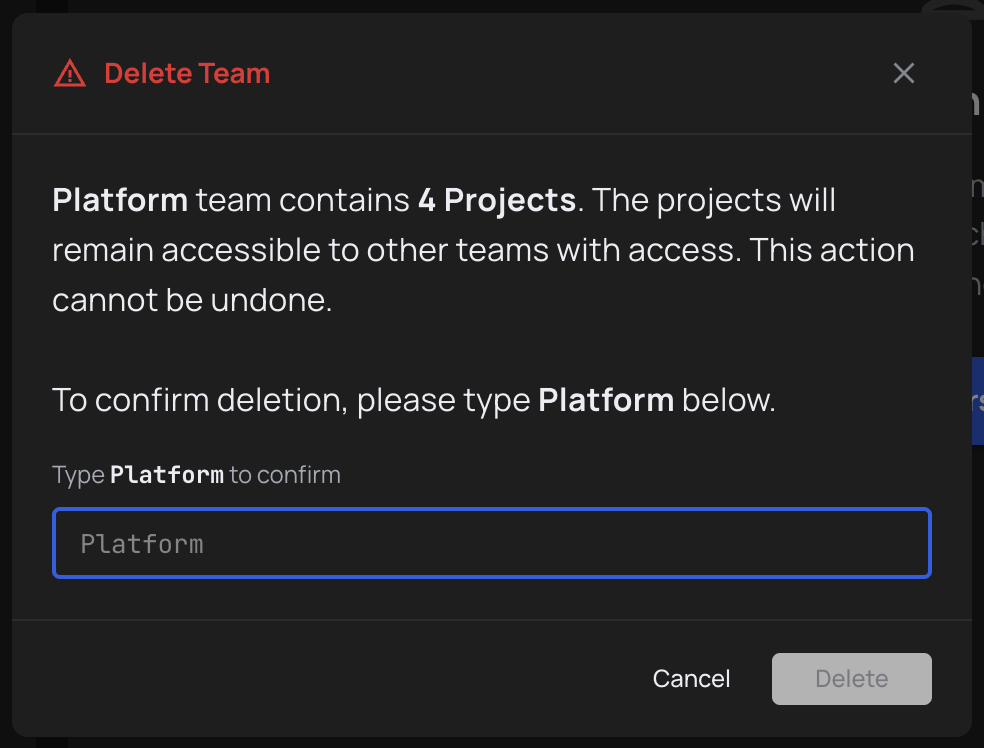
Deleting a team revokes every member's team-based project access in one step. The team's members keep their account membership; the projects themselves are untouched. The action requires you to type the team name to confirm.
- Click the actions menu (three dots) on the team row and choose Delete.
- Type the team name to confirm, then click Delete.
Honest limits
- Team names should be unique within an account. The API doesn't currently reject a duplicate, but the console relies on names being distinguishable in lists and search. Pick something the team will still answer to in six months.
- Delete is irreversible. There's no soft-delete or restore for teams. If you delete a team, recreating it with the same name does not restore its member list or shared projects — you re-add both.
- Owner-only sensitive actions. Only an account Owner or Admin can delete a team. Members can create teams they own but can't delete teams they didn't create.
- No transfer of ownership today. The
owner_idon a team reflects who created it. There's no in-product flow to reassign ownership when that person leaves the account; contact support if you need this.
What's next
- Invite members — add account users to the team
- Share a project with a team — grant Viewable, Editable or Admin access
- Security → Access controls — the full permission model
- FAQs → Roles & access — short answers to the common questions