Accounts
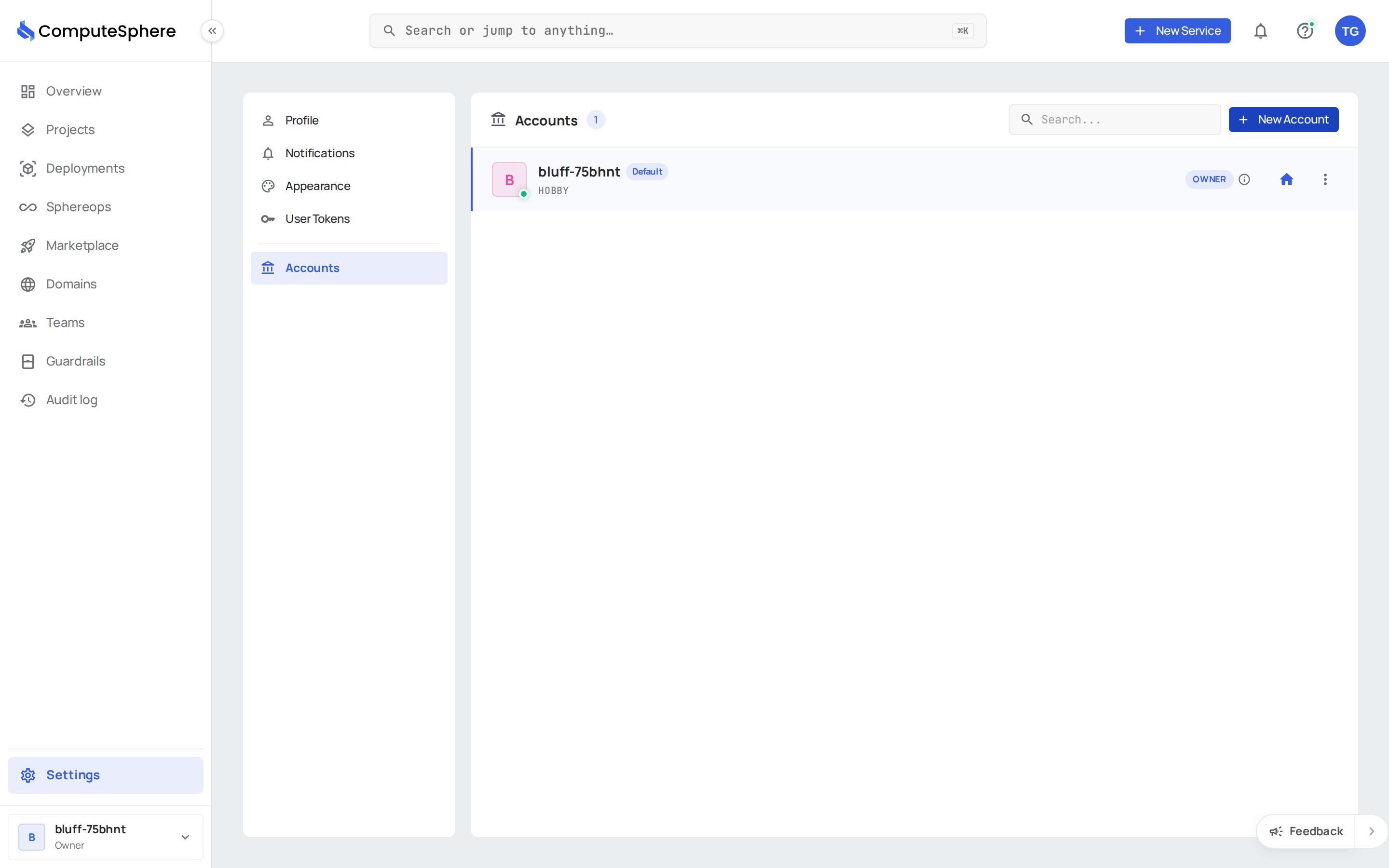
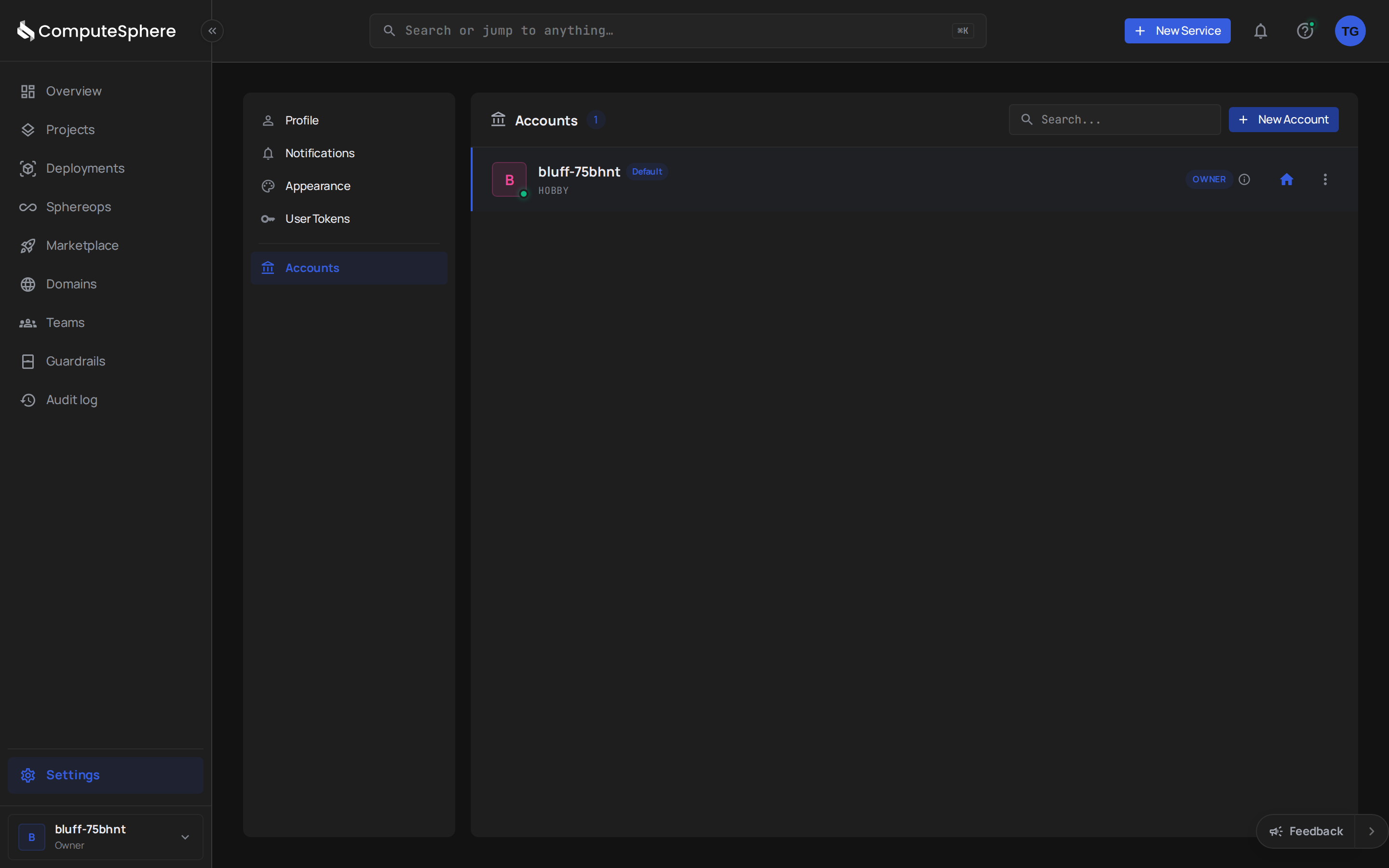
An account is the billing and resource container for ComputeSphere. You can belong to multiple accounts; each has its own projects, members, subscription, and invoices. The Accounts tab is where you switch context, invite people, change roles, and leave accounts.
Roles at a glance
Roles compose: an account role applies across the whole account; project roles (set elsewhere) layer on top for finer-grained access.
| Role | Can do | Can't do |
|---|---|---|
| Owner | Everything. Transfer ownership. Delete the account. | Only one owner per account. |
| Admin | Manage members, billing, subscription, invitations. Create and delete projects. | Transfer ownership. Delete the account. |
| Member | Work within projects they're added to. | Manage members, billing, or account-wide settings. |
Owner-only actions are gated server-side regardless of the UI — admins can't escalate themselves through API calls.
Switch the active account
The account picker in the console header lists every account you belong to. Selecting one re-loads projects, members, billing, and invitations for that account. Set a default account on your profile so the console opens to the right one each time:
curl -X PATCH https://api.computesphere.com/v2/users/me \
  -H "Authorization: Bearer YOUR_API_TOKEN" \
  -H "Content-Type: application/json" \
  -d '{ "default_account_id": "acc_…" }'
Invite a member
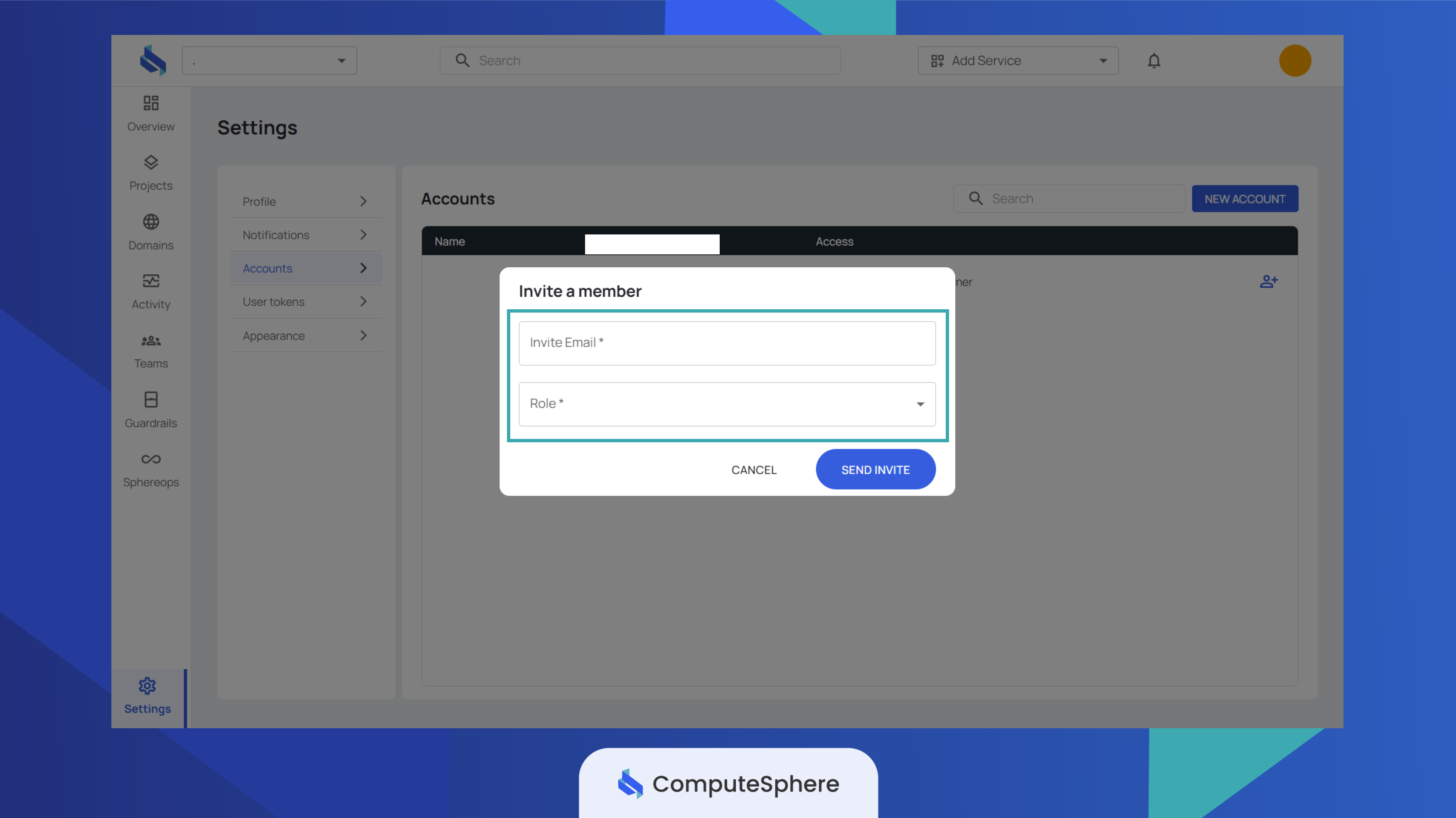
In the console: open Accounts → click the invite icon next to Manage Access → enter the email and pick a role → Send Invite. The invitee gets an email; once they accept, they appear in the members list.
Via the API:
curl -X POST https://api.computesphere.com/v2/accounts/{account_id}/invitations \
  -H "Authorization: Bearer YOUR_API_TOKEN" \
  -H "x-account-id: YOUR_ACCOUNT_ID" \
  -H "Content-Type: application/json" \
  -d '{
    "email": "engineer@example.com",
    "role": "member"
  }'
Invitations can be resent or revoked from the same surface. Audit events are exposed via GET /v2/accounts/{account_id}/invitations/{invitation_id}/events.
Change a member's role
In the console: Accounts → member row → Manage Access → pick a new role → Update Access.
Via the API — single member:
curl -X PATCH https://api.computesphere.com/v2/accounts/{account_id}/members/{user_id} \
  -H "Authorization: Bearer YOUR_API_TOKEN" \
  -H "x-account-id: YOUR_ACCOUNT_ID" \
  -H "Content-Type: application/json" \
  -d '{ "role": "admin" }'
Or a batch update:
curl -X PUT https://api.computesphere.com/v2/accounts/{account_id}/members/roles \
  -H "Authorization: Bearer YOUR_API_TOKEN" \
  -H "x-account-id: YOUR_ACCOUNT_ID" \
  -H "Content-Type: application/json" \
  -d '[
    { "user_id": "usr_a", "role": "admin" },
    { "user_id": "usr_b", "role": "member" }
  ]'
Remove a member
Console: member row → Manage Access → Remove User.
API:
curl -X DELETE https://api.computesphere.com/v2/accounts/{account_id}/members/{user_id} \
  -H "Authorization: Bearer YOUR_API_TOKEN" \
  -H "x-account-id: YOUR_ACCOUNT_ID"
Leave an account
If you're a member or admin (not the owner), you can leave an account at any time. The owner has to transfer ownership first.
curl -X POST https://api.computesphere.com/v2/accounts/{account_id}/leave \
  -H "Authorization: Bearer YOUR_API_TOKEN"
Rename the account
Default account names are auto-generated (e.g. cedar-7x9k2m). Rename from Accounts → account row → edit.
CLI
csph auth login
csph accounts list                                    # all accounts you belong to
csph accounts get <account-id>                        # single account
csph accounts update --name "Acme Production"         # rename the active account
Honest limits
- One owner per account. Owner role is unique. To hand over, the current owner uses ownership transfer; the previous owner becomes an admin.
- No merging accounts. Two separate accounts can't be combined. Move projects manually by recreating services in the target account.
- Members can't see other accounts' billing. Each account's subscription, invoices, and payment history are scoped to that account. There's no aggregate view across accounts you belong to.
- Account deletion is a 90-day soft delete. Owner-only. The account enters a grace state where it can be restored; after 90 days the resources are permanently deleted. Active deployments stop billing on day one of soft delete.
- Default account name is auto-generated —
<nature-word>-<6-char-slug>(e.g.cedar-7x9k2m). Rename it from the Accounts tab.
What's next
- Profile — your personal details, separate from the account
- API tokens — programmatic access scoped per account
- Access controls — how account + project roles compose
- Notifications — route account events to your channels