Create a new project
A project groups services that belong to the same product or application family. Creating one is just picking a name — services, environments, and team access get added later.
- Open the Projects tab in the console and click New Project in the header.
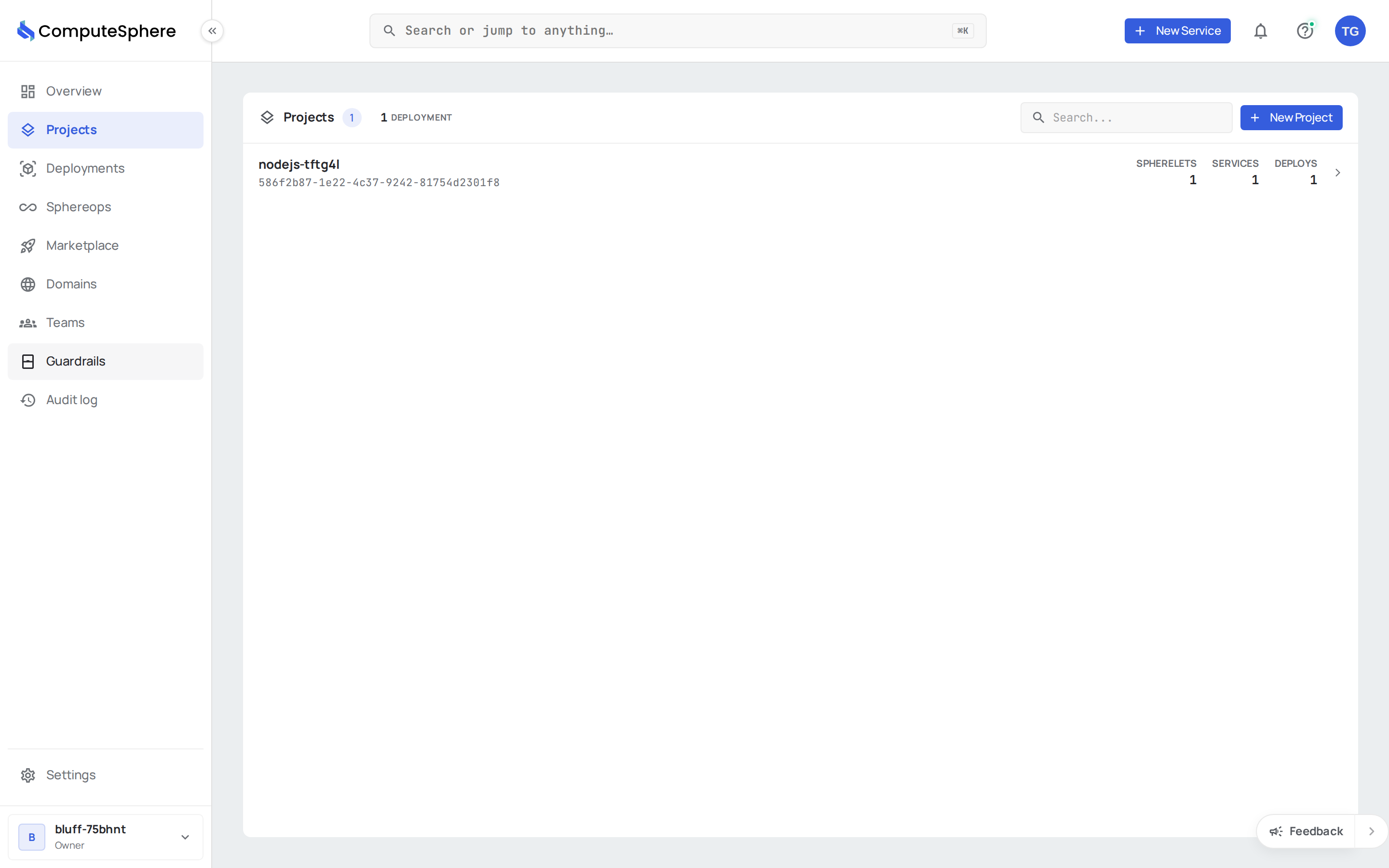
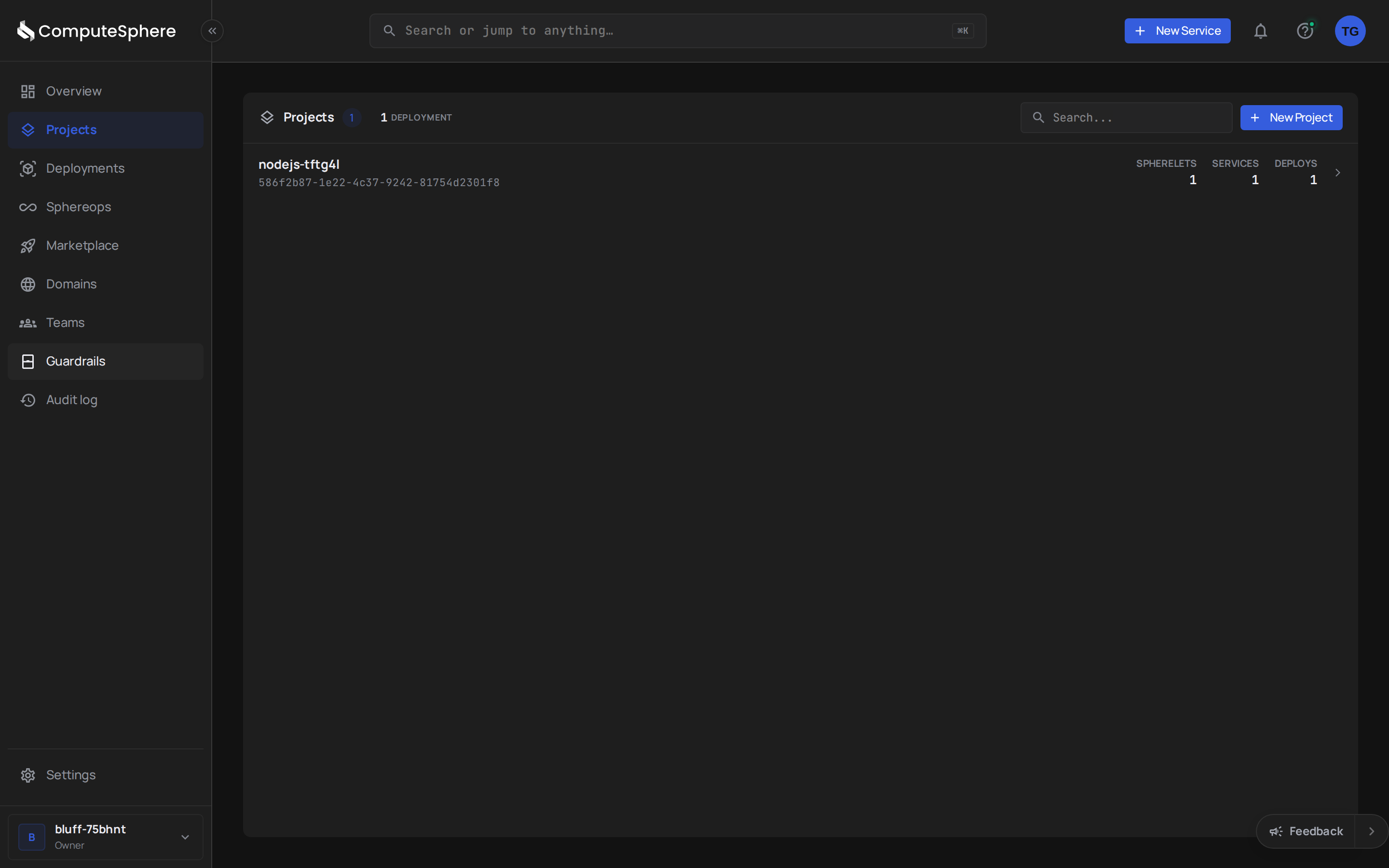
- Enter a Name. A description is optional and editable later.
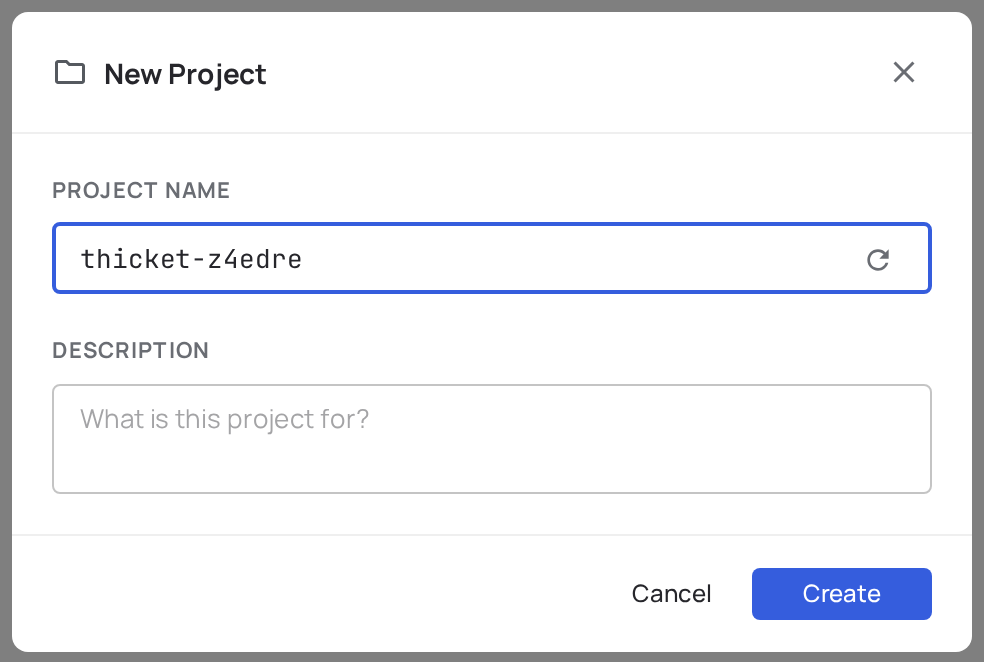
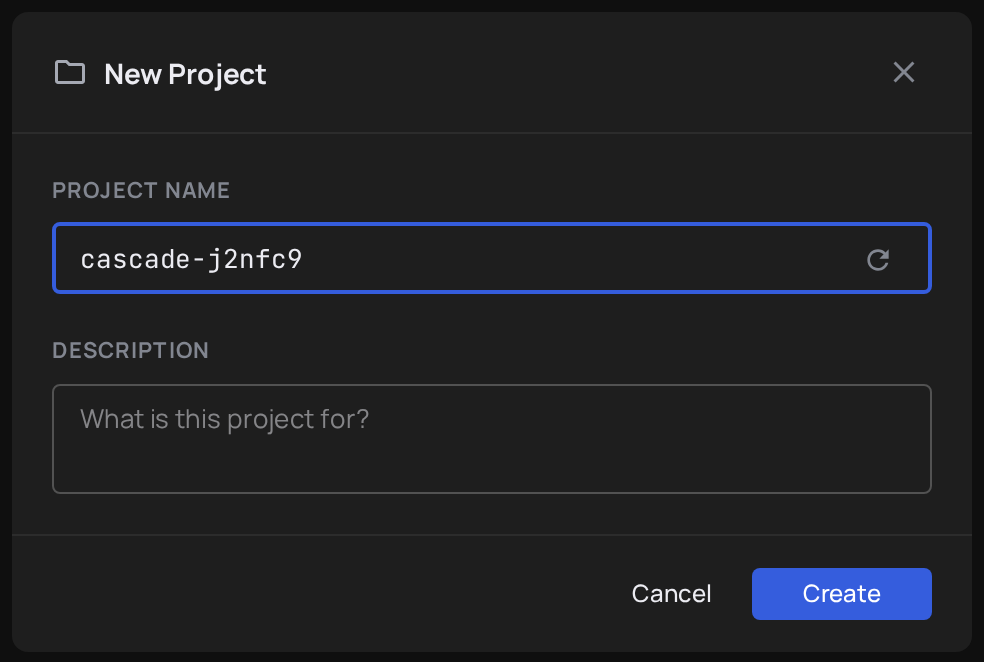
- Click Create.
Your new project opens with empty Services and Environments tabs — ready for you to deploy into.
What's next
After the project is created, you'll add the building blocks one at a time:
- Add an environment —
dev/staging/prodisolation - Add a service — deploy code or a container image
- Concepts — the account → project → environment → service hierarchy
Manage a project
The actions available from the project's header dropdown — Edit, Alerts, Activity, Share, Delete — are linked from inside the project once it exists. They're not part of the create flow.